
The mobile warehouse management features that actually matter are those that prioritize real-time data synchronization, barcode-validated accuracy, and intuitive, worker-first interfaces over superficial design trends. In many modern facilities, relying on legacy desktop systems forced onto small mobile screens only compounds operational frustration, turning simple tasks into painful bottlenecks. Choosing an advanced platform built specifically around manufacturing mobile warehousing bridges the gap between physical operations and back-office intelligence.
This real-time alignment ensures that inventory metrics are perfectly accurate, eliminating shipping lags and customer complaints. By focusing on high-impact floor features rather than aesthetic bells and whistles, you can easily optimize material handling and boost daily output. The following analysis explores the core functionalities that drive true operational success in modern warehouses.
Why does manufacturing mobile warehousing need real-time sync?
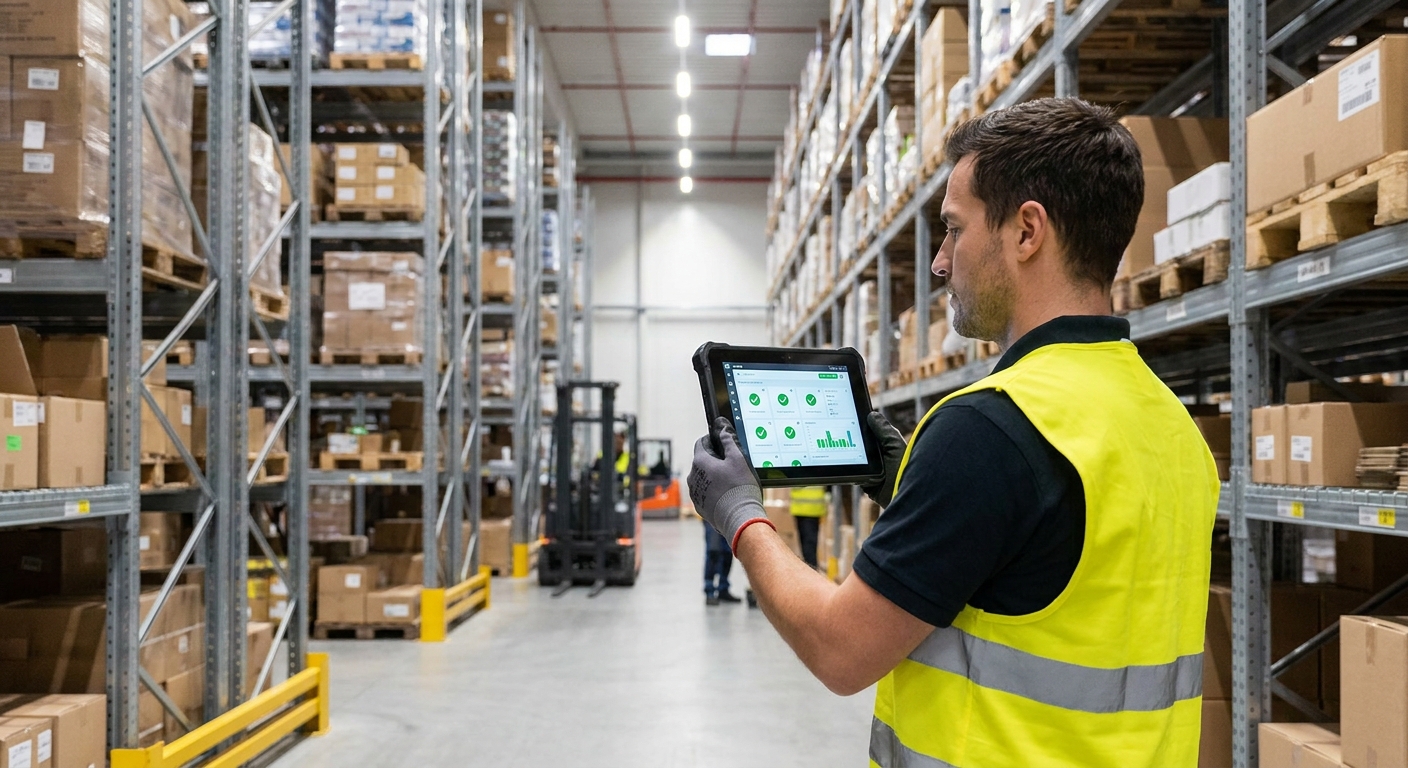
Manufacturing mobile warehousing requires real-time synchronization to eliminate operational lags and provide an instant, single source of truth for both floor staff and back-office management. Without this immediate data loop, inventory discrepancy rates climb, leading to severe downstream dispatch problems. By ensuring that every physical scan updates the system instantly, you gain complete operational visibility. This digital foundation secures the entire material handling workflow from start to finish.
Instant inventory updates vs. batch processing
When you rely on outdated batch processing, your team works with obsolete data that only syncs at the end of a shift. This delay leads to misplaced stock, duplicated picking routes, and frustrated workers trying to find items that are no longer there.
Think about it: how can you run an efficient operation if your inventory records are constantly several hours behind reality? Modern digital workflows solve this by executing every transaction the moment the barcode is scanned.
By switching to instant updates, you can:
- Keep stock levels 100% accurate at any given second.
- Reduce picking search times by directing staff to active storage locations.
- Prevent costly stock-outs and double-allocation of high-demand items.
Can you achieve total supply chain transparency?
Real-time sync does more than keep the floor organized; it connects your entire enterprise. Sales representatives can confidently promise delivery dates because they see exactly what is on the racks right now. This seamless level of visibility builds immense trust with your customers and safeguards your reputation.
Key Takeaway: Real-time synchronization protects your operational integrity by keeping sales and logistics teams aligned, preventing stockouts, and maximizing customer satisfaction.
| Synchronization Method | Update Frequency | Data Accuracy | Risk of Double Allocation | |
|---|---|---|---|---|
| Batch Processing | End-of-shift / hourly | Low (delayed) | High | |
| Real-Time Sync | Instantaneous | 100% accurate | Extremely low |
The table above highlights how moving away from batch processing is the first step toward complete warehouse efficiency.
How does manufacturing mobile warehousing streamline receiving?
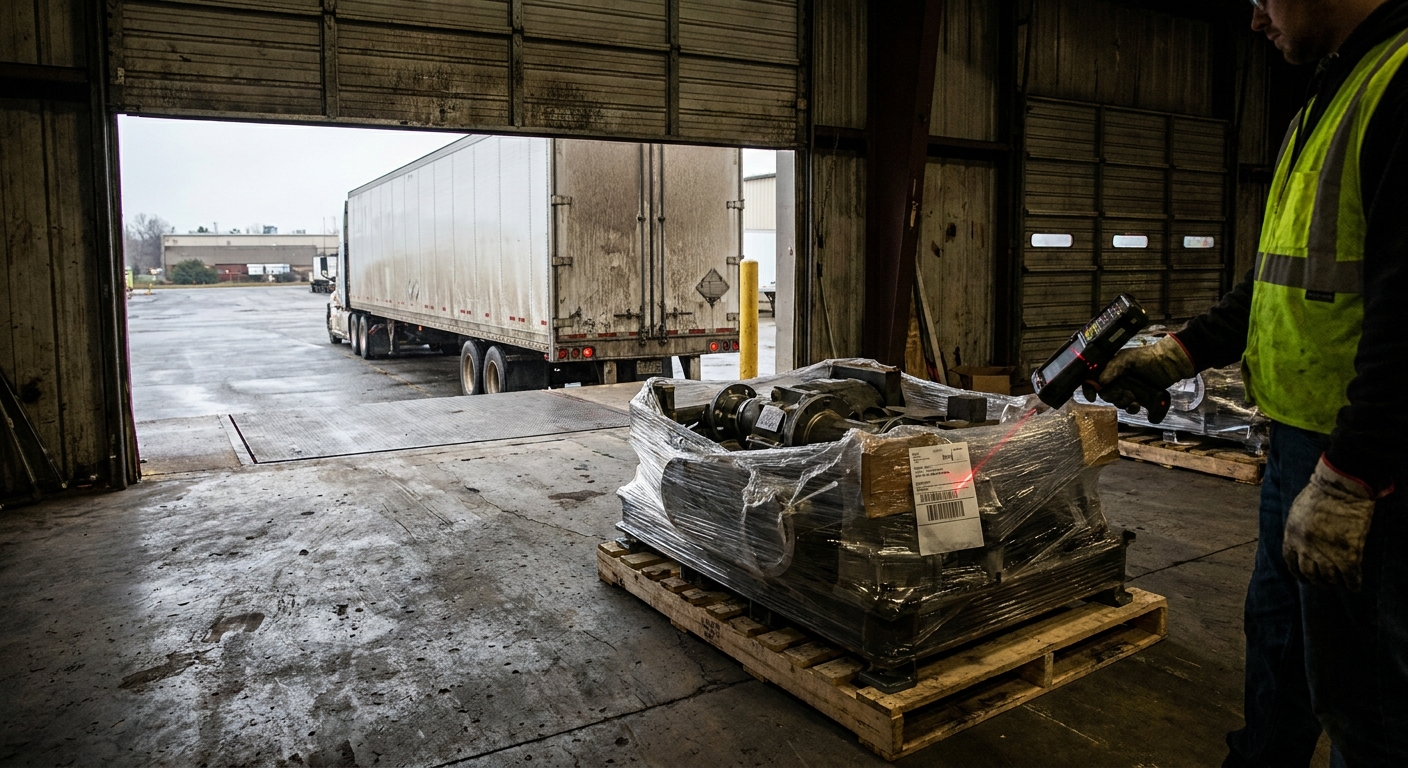
Streamlining receiving through manufacturing mobile warehousing turns your loading dock into an active quality checkpoint by matching incoming shipments against open purchase orders on the fly. This proactive validation ensures that incorrect quantities or damaged parts never make it past the receiving staging area. It also empowers your staff to log incoming raw materials directly into the system, accelerating put-away workflows. Consequently, your downstream assembly operations never have to pause for missing components.
Instant purchase order verification at the dock
When delivery trucks arrive, your receiving team must act fast to verify the cargo. Mobile-guided receiving removes the guesswork, ensuring that every received item corresponds directly to an authorized procurement record.
The reality is: manual clipboard tallies often lead to massive intake discrepancies and lost paperwork. By using mobile terminals, you can instantly pull up the open purchase order and verify items as they are unloaded.
This active verification workflow lets you:
- Catch supplier shipping errors before the delivery driver leaves the site.
- Reject damaged shipments or incomplete orders immediately.
- Scan manufacturer barcodes directly into your database.
How do you document freight damage immediately?
When products arrive damaged, waiting to report the issue to the office slows down supplier claims. Using mobile devices equipped with built-in cameras, your receiving clerks can take high-quality photos and attach them directly to the receiving transaction. This instant documentation provides indisputable proof of custody and accelerates your financial reconciliation.
Key Takeaway: Optimizing your receiving dock with mobile tools eliminates intake errors, reduces vendor disputes, and ensures that only quality inventory enters your storage.
| Receiving Workflow | Verification Speed | Damage Documentation | Error Rate | |
|---|---|---|---|---|
| Manual / Clipboard | Sluggish (minutes/hours) | Handwritten notes only | High | |
| Mobile Scanning | Instant (seconds) | Photo capture & system log | Near zero |
This comparison illustrates how structured digital receiving protects your supply chain from costly raw material errors.
Upgrade to smarter manufacturing mobile warehousing today.
Email:sales@showhoo.com.cn
Phone/WhatsApp: + 86 186 7895 5927
Can manufacturing mobile warehousing speed up order picking?
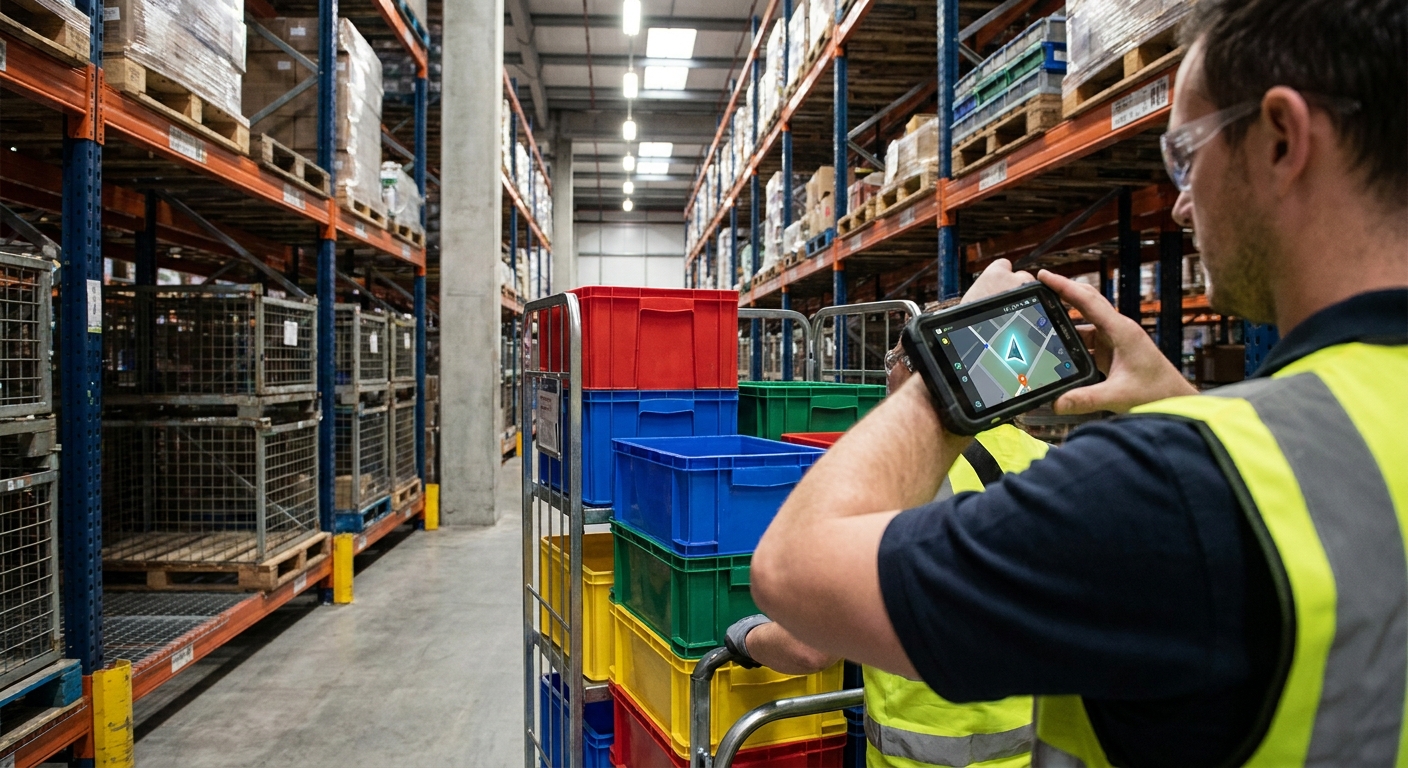
Deploying structured picking paths within manufacturing mobile warehousing dramatically increases order fulfillment speeds by optimizing routing and removing manual paper sheets from the workflow. By guiding your team along the shortest logical path through the racks, you cut down on unnecessary walking time and physical fatigue. The mobile system handles the logistics, so your workers can focus entirely on safe, precise material handling. As a result, daily order throughput reaches unprecedented levels without adding to your labor overhead.
Dynamic route optimization for floor pickers
If your picking team is zigzagging across the warehouse floor, you are losing valuable time and money on every order. An optimized routing system solves this by analyzing item locations and mapping out the most logical path for the operator.
Let’s face it: paper lists do not optimize paths, often forcing workers to walk past the same aisle multiple times. A smart mobile app dynamically groups orders and sequences picks based on your rack layout.
This smart routing enables you to:
- Cut total floor travel distance by up to 50% on every shift.
- Execute batch picks to fulfill multiple customer orders simultaneously.
- Maintain a smooth, organized flow of warehouse traffic.
How do directed workflows prevent mispicks?
Mispicks can severely hurt your customer relationships and lead to expensive return shipping fees. Directed mobile workflows guide your pickers step-by-step, requiring a barcode scan of the bin location and the product itself before confirming the pick. This double-validation ensures that the correct item is picked every single time.
Key Takeaway: Automated route optimization and scan-validation combine to maximize picking speeds while virtually eliminating the risk of fulfillment errors.
| Picking Method | Routing Efficiency | Verification Step | Mispick Frequency | |
|---|---|---|---|---|
| Paper Pick List | Worker’s choice (poor) | Visual only | Frequent | |
| Directed Mobile Scan | System optimized | Double barcode validation | Extremely rare |
As shown above, directed picking processes are essential for operations looking to scale up throughput without errors.
Why use manufacturing mobile warehousing for cycle counts?
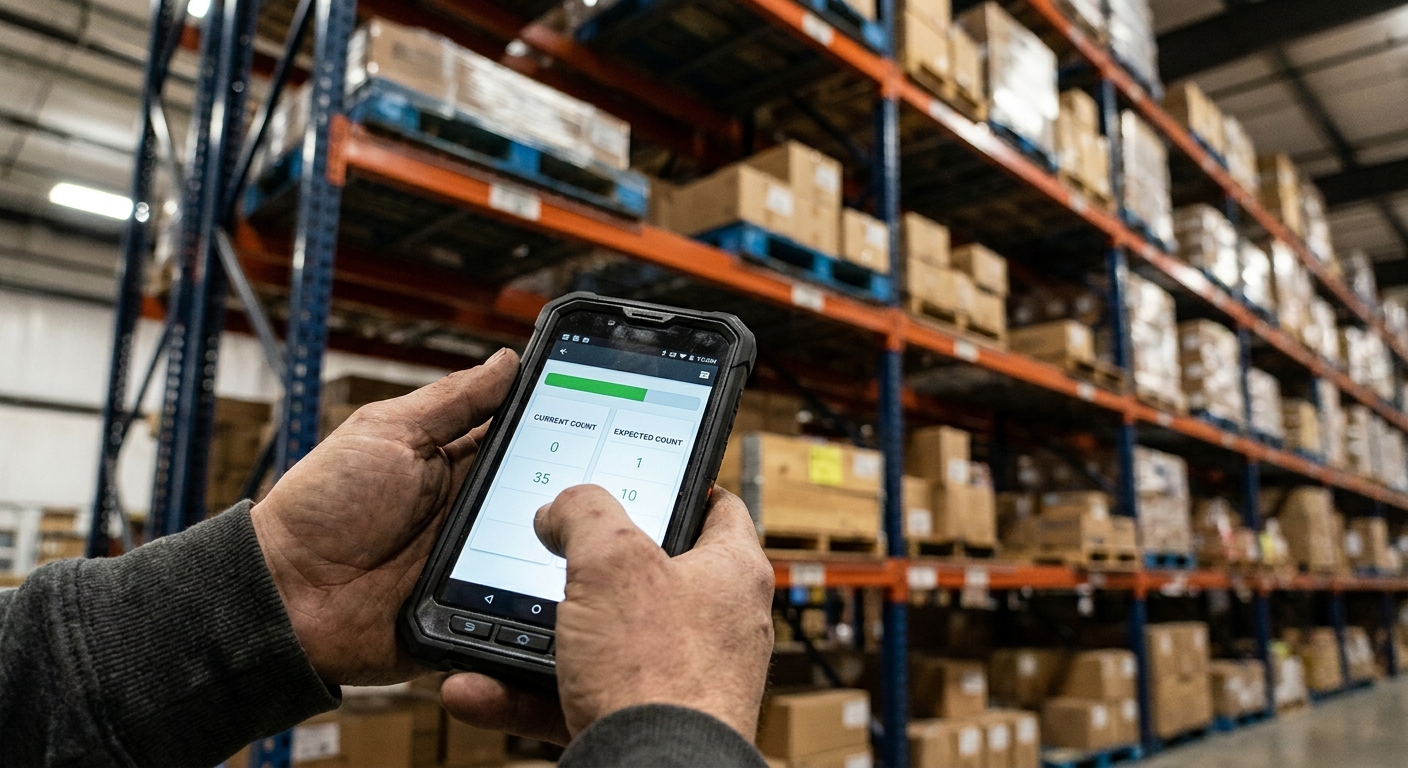
Utilizing manufacturing mobile warehousing for automated cycle counting keeps your inventory records highly accurate year-round without requiring complete operational shutdowns. Instead of halting all shipments for a painful annual audit, you can assign small, targeted counting tasks to workers during standard downtime. This approach ensures that high-velocity parts are monitored closely, preventing unexpected stockouts that disrupt shipping. Ultimately, continuous validation saves labor costs and keeps your supply chain running smoothly.
Continuous cycle counting vs. annual shutdowns
Closing down your facility for an annual physical inventory is incredibly expensive and highly disruptive to your customer service. Performing routine counts on a regular basis avoids this chaos entirely and gives you complete confidence in your stock levels.
Look at it this way: a lot can go wrong with your inventory levels over twelve months of active shipping. Mobile-guided cycle counting lets you maintain high accuracy on a daily basis.
This ongoing audit process allows you to:
- Spot and correct inventory discrepancies the same day they occur.
- Keep your picking lanes stocked based on real-time data.
- Eliminate the massive overhead of overtime pay during annual audits.
Can logic-driven counting prioritize valuable stock?
Not all inventory is created equal, which is why your counting efforts should focus on your most critical items. By setting up smart system triggers, you can automatically generate count tasks when a bin’s inventory falls below a specific threshold. This keeps your high-turnover materials accurate without wasting labor on static items.
Key Takeaway: Adopting a continuous mobile cycle counting strategy ensures constant data integrity and eliminates the need for expensive, facility-wide shutdowns.
| Audit Strategy | Operational Disruption | Discrepancy Detection | Annual Labor Cost | |
|---|---|---|---|---|
| Annual Physical Count | High (requires shutdown) | Delayed (up to 1 year) | High overtime spikes | |
| Mobile Cycle Counts | None (done during gaps) | Immediate (daily/weekly) | Low and predictable |
By looking at these numbers, you can see how continuous cycle counts stabilize both your operations and your bottom line.
Does manufacturing mobile warehousing prevent shipping errors?
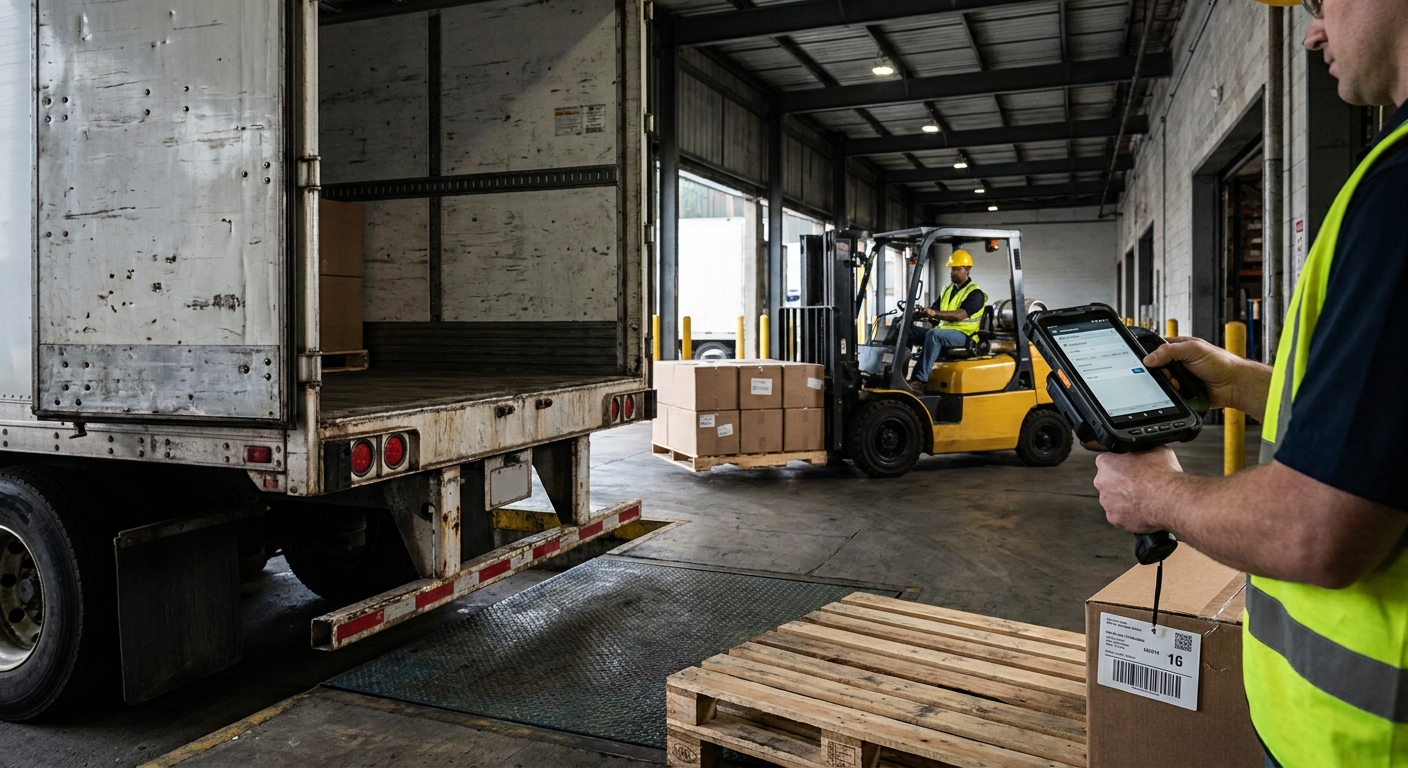
Implementing manufacturing mobile warehousing in your dispatch lanes prevents costly chargebacks by enforcing a final, digital scan-validation of every item and pallet before they are loaded onto a delivery truck. This crucial quality check guarantees that what was ordered is exactly what is leaving your facility. By catching picking or packing errors at the loading dock, you completely eliminate the logistical nightmare of wrong shipments. It also establishes an ironclad, digital paper trail for every customer order.
Enforcing double pack-validation at dispatch
Once an item leaves your dock, fixing a shipping mistake becomes incredibly difficult and expensive. Validating your shipments via mobile scans provides a secure, final checkpoint that guarantees compliance with customer requirements.
The reality is: sending the wrong product to an industrial client can result in massive fines, chargebacks, and a damaged professional reputation. By requiring workers to scan shipping labels and pallet IDs at the truck door, you ensure total accuracy.
This final digital verification lets you:
- Cross-reference packed boxes with the bill of lading in real-time.
- Capture precise serial and lot numbers during the load process.
- Print shipping and carrier labels instantly upon successful validation.
How do digital bills of lading speed up turnover?
Paper-based dispatch sheets frequently get lost or damaged during transit, delaying proof-of-delivery records. Mobile shipping applications allow transport drivers to sign directly on your handheld screens, immediately updating your back office. This rapid digital turnaround speeds up customer billing cycles and keeps cash flowing smoothly.
Key Takeaway: Secure mobile shipping safeguards your bottom line by stopping fulfillment mistakes before they leave your warehouse, protecting you from costly vendor chargebacks.
| Shipping Method | Final Quality Check | Documentation Type | Chargeback Risk | |
|---|---|---|---|---|
| Visual Audit | Eyeballing labels (unreliable) | Paper BOL sheets | High | |
| Mobile Scan Verification | Direct barcode scan (100% secure) | Electronic sign-off | Near zero |
This data proves that a scan-to-ship workflow is the ultimate safeguard against painful downstream freight penalties.
Which UI designs benefit manufacturing mobile warehousing?
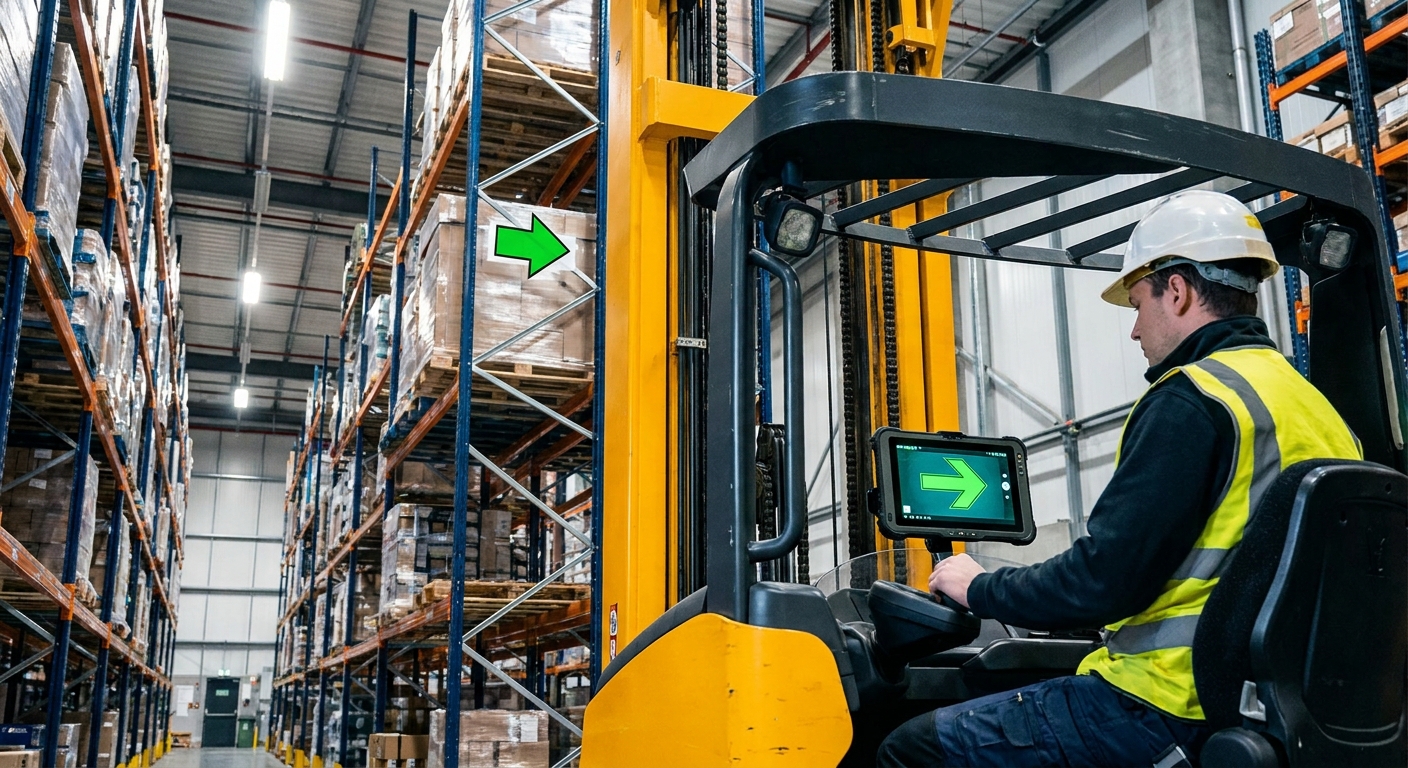
The user interface designs that yield the greatest benefit for manufacturing mobile warehousing prioritize high-contrast screens, oversized touch targets, and clean, minimalist layouts designed for rapid navigation. A task-focused design ensures that workers can quickly execute their material transactions without squinting or making incorrect inputs. This user-friendly approach keeps onboarding times incredibly short, allowing temporary staff to become productive within hours. Ultimately, clean interface design directly translates to higher floor speed and fewer data entry mistakes.
Screen optimization for rugged warehouse floors
Your operators are often working in dim lighting or dusty environments, making screen readability critical. Designing the interface around big, unmistakable visual targets prevents mis-taps and keeps your team focused on safety.
Think about it: a screen cluttered with unnecessary details will only slow down your workers and cause input errors. High-contrast designs with clear text hierarchy guide your pickers through their shifts without hesitation.
These optimized layouts feature:
- Large buttons designed to be tapped easily while wearing heavy work gloves.
- Clean color-coding, such as bright green for successful scans and red for errors.
- Minimal text fields to reduce the need for manual on-screen typing.
Do sensory cues improve worker efficiency?
In a noisy warehouse, visual confirmation on a screen isn’t always enough to ensure smooth scanning. High-volume audio tones and strong haptic vibrations provide immediate sensory feedback to your operators. These quick physical cues let your workers confirm successful scans instantly without having to stop and stare at their screens.
Key Takeaway: Choosing mobile software with a clean, industrial interface keeps your workers moving rapidly and minimizes training overhead during peak seasons.
| UI Element | Standard Consumer Design | Industrial Mobile Design | Operational Impact | |
|---|---|---|---|---|
| Button Size | Small (requires precision) | Oversized (glove-friendly) | Prevents mistaps | |
| Feedback | On-screen text only | Audio tones + haptic buzz | Speeds up scanning |
Choosing an application with these design principles directly increases worker speed and happiness.
What hardware fits manufacturing mobile warehousing best?
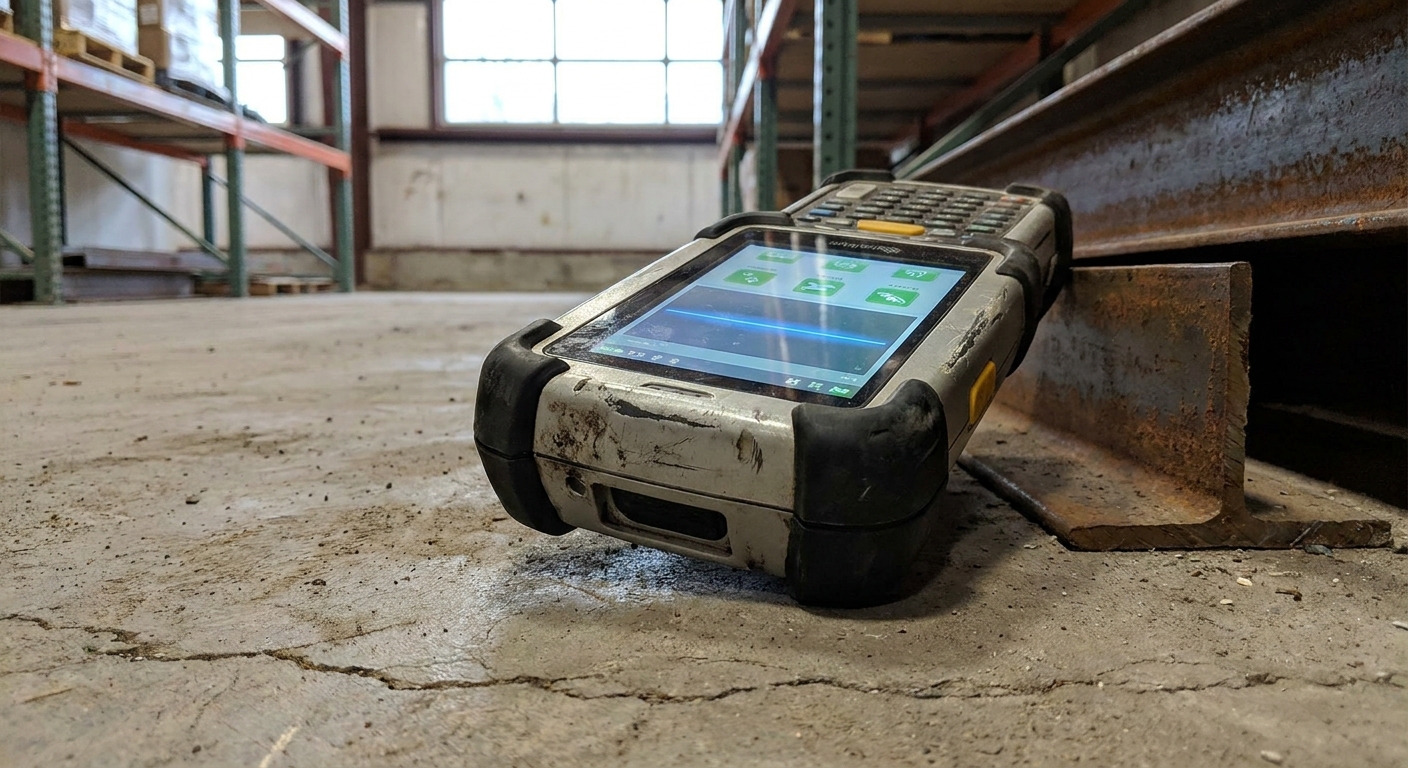
The best hardware for manufacturing mobile warehousing consists of enterprise-grade, ruggedized handheld computers that are engineered to survive repeated drops, dust exposure, and extreme operating temperatures. Unlike fragile consumer smartphones, these durable units are built specifically for tough industrial environments. They feature high-capacity, hot-swappable batteries and integrated physical scan engines that can read barcodes from long distances or under poor lighting. Investing in industrial-grade hardware guarantees maximum uptime and a significantly lower total cost of ownership.
Why consumer smartphones fail on the floor
It might be tempting to save money by purchasing standard consumer smartphones for your floor staff. However, fragile consumer casings and slow, camera-based scanning apps will quickly limit your picking speeds.
Let’s face it: a single drop onto a concrete warehouse floor will instantly shatter a consumer device, halting your operations. Rugged handhelds are designed with heavy rubber bumpers and drop-tested casings to handle daily warehouse abuse.
Rugged industrial devices provide:
- High IP ratings to protect delicate internal electronics from fine dust and moisture.
- Integrated laser engines that scan damaged or shrink-wrapped barcodes instantly.
- Long-lasting batteries designed to outlast demanding twelve-hour shifts.
How do you select the right form factor?
Different warehouse tasks require different physical tools to maximize operator comfort and efficiency. You should choose pistol-grip terminals for high-volume picking, wearable ring scanners for hands-free material handling, and mountable tablets for forklift operators. Matching the right tool to the task keeps your workers safe and productive.
Key Takeaway: Outfitting your team with rugged, task-specific hardware minimizes equipment downtime, keeps scanning speeds high, and lowers long-term replacement costs.
| Device Category | Casing Durability | Scan Engine Type | Ideal Use Case | |
|---|---|---|---|---|
| Consumer Smartphone | Low (shatters easily) | Camera-based (slow) | Low-volume management | |
| Rugged Handheld | High (drop-tested) | Integrated Laser/Imager | High-speed picking & receiving |
Reviewing this comparison shows why rugged hardware is the only viable choice for an active industrial setting.
Upgrade to smarter manufacturing mobile warehousing today.
Email:sales@showhoo.com.cn
Phone/WhatsApp: + 86 186 7895 5927
How does manufacturing mobile warehousing protect critical data?
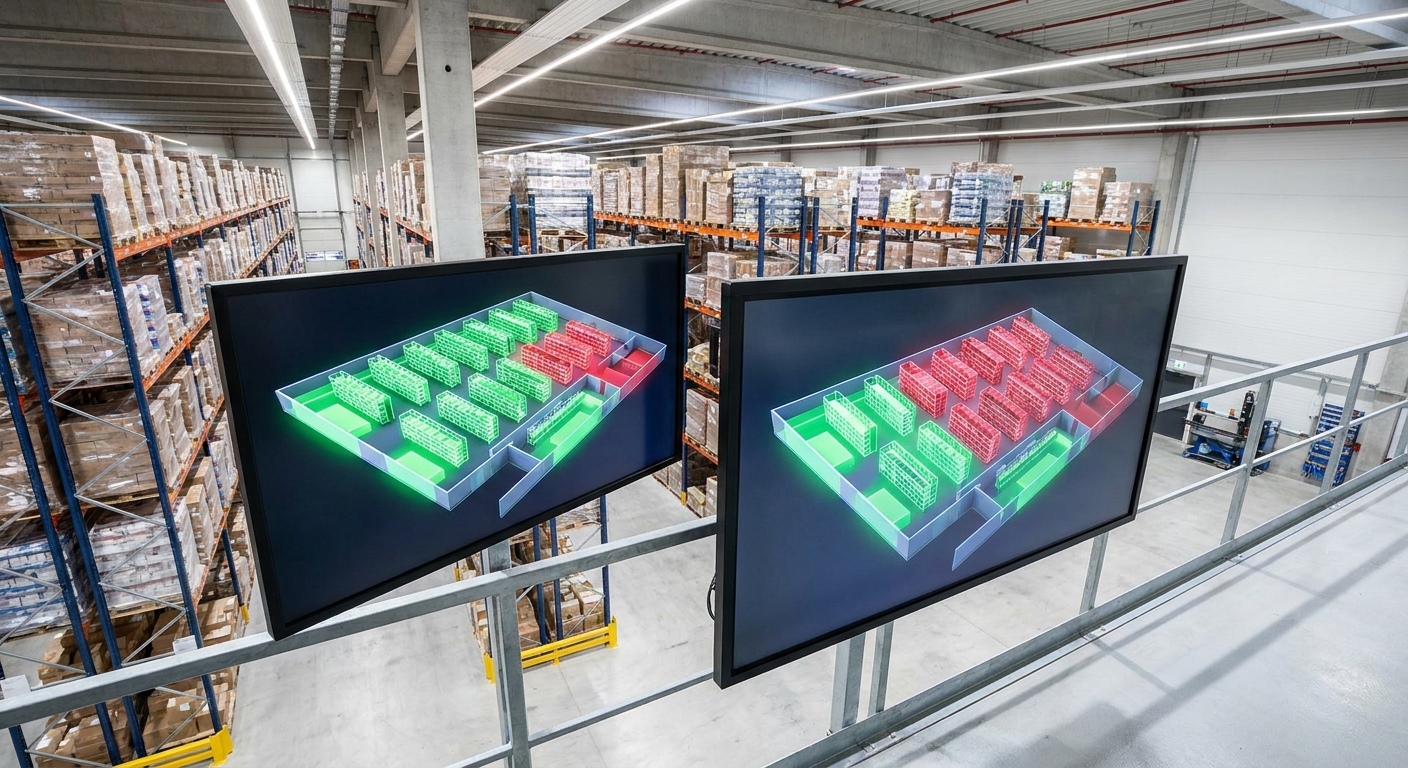
Protecting your operational data through manufacturing mobile warehousing requires direct, secure API connections between your mobile terminals and a centralized, cloud-hosted ERP system. This tightly integrated architecture ensures that all inventory and order transactions are validated against your main database in real-time. By enforcing strict data security protocols directly at the system core, you prevent transaction fragmentation and keep your business records clean. This secure link also keeps your office team and warehouse floor perfectly in sync.
Enforcing role-based access controls
Not every user on your warehouse floor needs access to your sensitive financial or client database records. Restricting terminal permissions is a simple, highly effective way to safeguard your system integrity.
The reality is: open systems increase the risk of accidental configuration changes, incorrect inventory adjustments, or data leaks. Implementing strict role-based permissions ensures that workers only see the tools required for their specific tasks.
These operational security controls allow you to:
- Limit inventory adjustments to designated warehouse supervisors.
- Restrict customer information to shipping and packing personnel.
- Maintain a clear, searchable digital audit trail of every scanned item.
Why do real-time database validations matter?
When your mobile terminals operate as live nodes of your central ERP database, data corruption risks drop to zero. The central system validates every transaction—such as a put-away or pick confirmation—against business rules before committing the change. This real-time validation prevents duplicate scans or corrupted entries from messing up your inventory metrics.
Key Takeaway: Tightly coupling your mobile floor operations with a secure, centralized database ensures data integrity, protects client privacy, and prevents transaction errors.
| Security Feature | Legacy Standalone App | Integrated ERP Mobile Node | |
|---|---|---|---|
| Data Sync | Batch upload (delayed) | Live API calls (instant) | |
| Access Control | Shared logins | Individual, role-based profiles | |
| Data Encryption | Rarely supported | Fully encrypted (HTTPS/WPA3) |
This structure demonstrates how secure integration is vital for protecting your operational database.
How do you roll out manufacturing mobile warehousing smoothly?
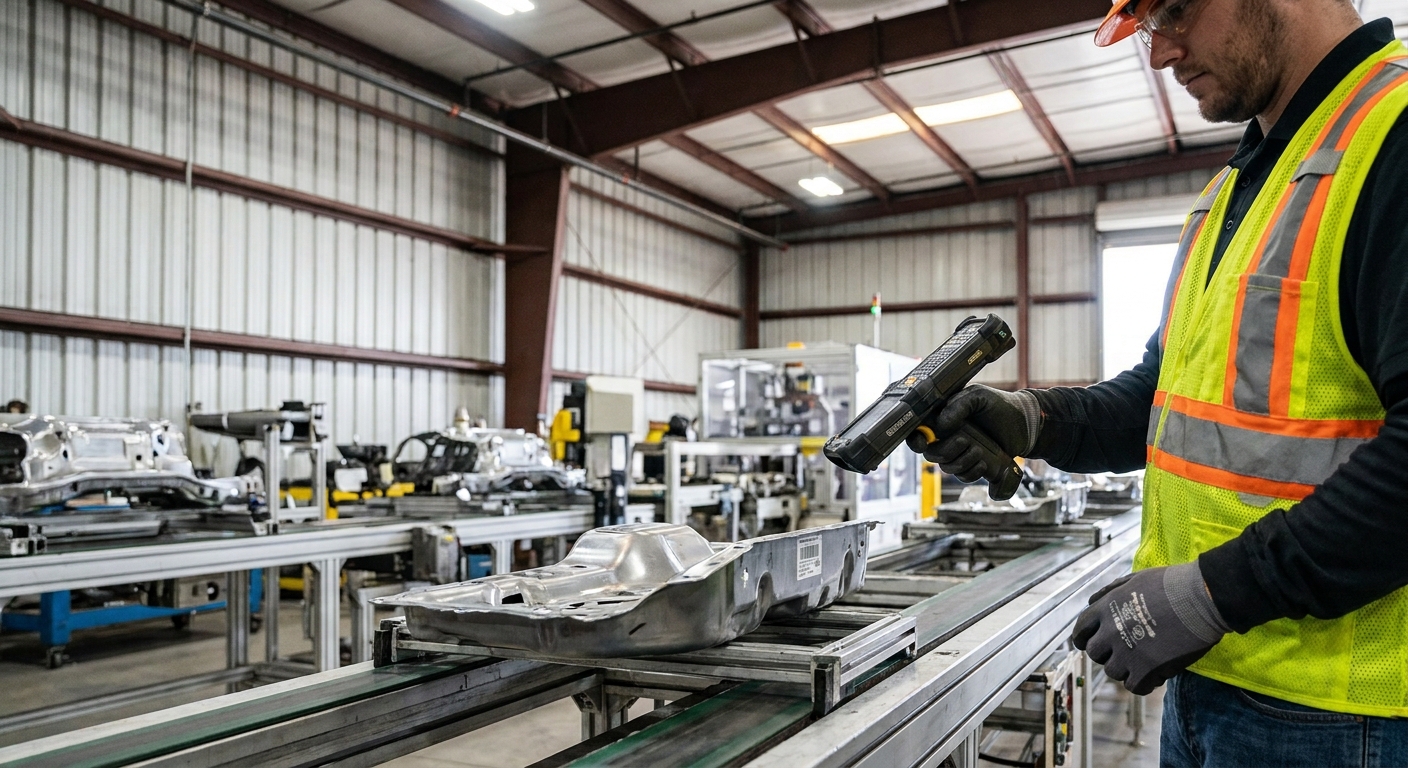
Rolling out manufacturing mobile warehousing successfully depends on conducting professional wireless site surveys, starting with targeted pilots, and implementing structured training for your floor staff. Transitioning away from comfortable, paper-based workflows represents a significant cultural shift for any team. To ensure high adoption rates, you must actively involve your operators and address their concerns early in the process. This proactive approach builds confidence and prevents costly operational delays during the system launch.
Why are warehouse site surveys necessary?
Your mobile software is only as good as the wireless network that connects it to your central database. Ensuring complete signal coverage prevents annoying system dropouts and keeps your team productive.
Look at it this way: deep corridors of high-density steel racking can easily block standard Wi-Fi signals, creating dead zones. Conducting a professional RF survey ensures your network has the bandwidth to handle active scanners.
To optimize your physical network, you must:
- Map out potential signal blockages, including steel racking and heavy equipment.
- Place enterprise-grade access points to cover every corner of the warehouse floor.
- Implement offline queuing features to preserve data during brief drops.
How do phased pilots reduce deployment risks?
Trying to launch every single mobile module at once can easily overwhelm your staff and lead to confusion. You should start by piloting a single, low-risk process, such as receiving, before rolling out complex picking and cycle counting. This crawl-walk-run approach allows you to address technical or training issues in a controlled environment.
Key Takeaway: A phased deployment strategy backed by solid wireless infrastructure ensures high team adoption, keeps downtime low, and protects your operational flow.
| Deployment Strategy | Operational Risk | Training Complexity | Team Adoption Rate | |
|---|---|---|---|---|
| All-at-Once Launch | High (potential chaos) | Extremely high | Low (high resistance) | |
| Phased Pilot Program | Low (controlled) | Manageable and focused | High (builds confidence) |
This breakdown highlights how a measured, phased roll-out plan is the safest path to operational modernization.
How do you calculate manufacturing mobile warehousing ROI?
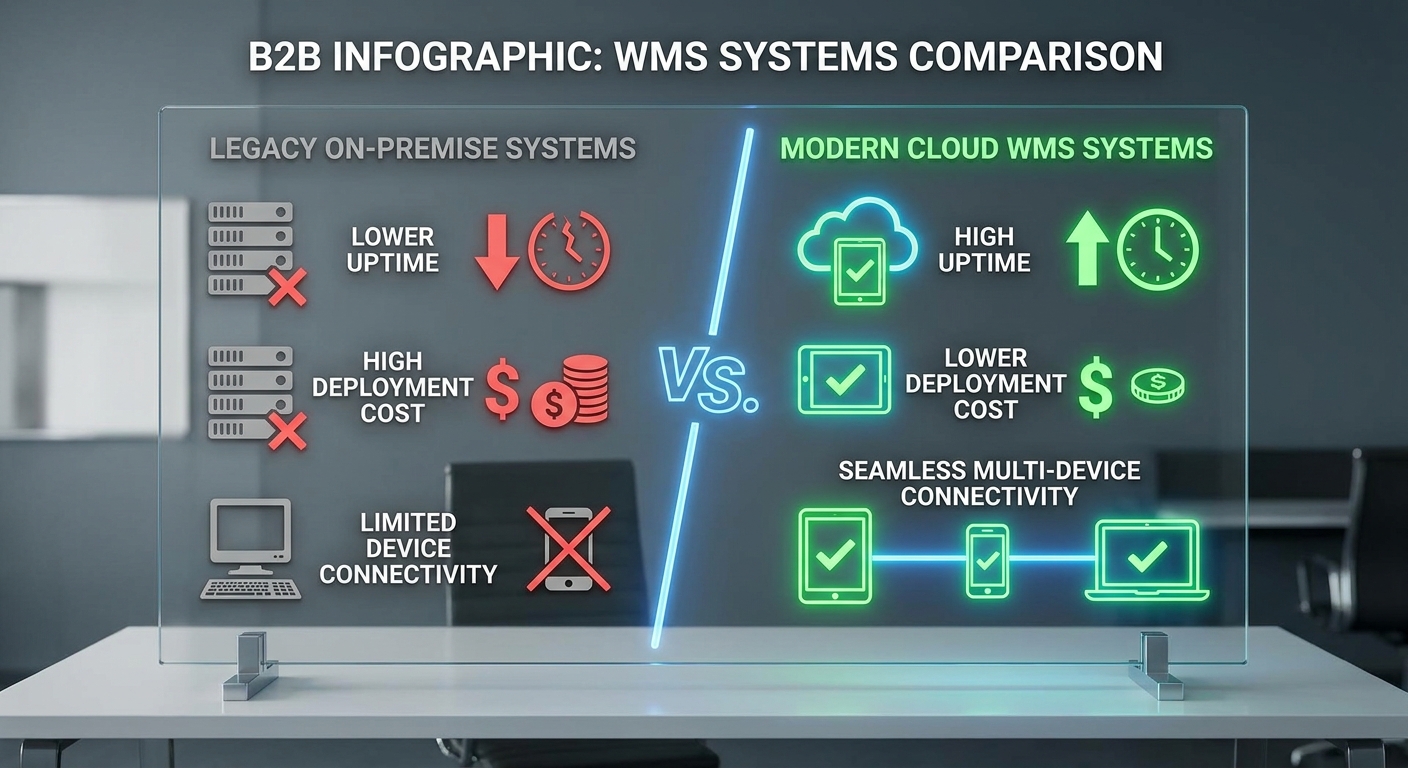
You can calculate the return on investment of manufacturing mobile warehousing by measuring direct labor savings, the elimination of inventory adjustment write-offs, and increased daily order throughput. By tracking these specific metrics before and after your system rollout, you can easily quantify the exact financial impact of the technology. Most industrial facilities see a complete return on investment within twelve to twenty-four months of launch. This clear financial return makes upgrading your floor operations a highly compelling strategic decision.
Tracking baseline throughput and labor savings
To find your true financial return, you must first establish clear operational baselines before deploying your new mobile systems. Understanding your starting metrics allows you to see exactly where efficiency is improving.
Think about it: if you do not know your historical picking speeds or receiving cycle times, measuring improvement is impossible. Tracking labor hours before and after launch reveals massive efficiency gains.
Key areas to track include:
- The reduction in total hours spent correcting mispicks and shipping errors.
- The decrease in training time required to bring seasonal workers up to speed.
- The drop in inventory write-offs due to accurate cycle counting.
What is the total cost of ownership?
When evaluating your return, always look beyond the initial software licensing fees to calculate the true total cost of ownership. You must factor in rugged hardware procurement, wireless infrastructure upgrades, staff training hours, and ongoing technical support. Balancing these realistic expenses against your operational savings gives you an accurate financial picture.
Key Takeaway: Measuring your digital ROI across labor, accuracy, and throughput shows that modern mobile systems pay for themselves quickly while positioning your business for scale.
| Metric Category | Pre-Mobile Baseline | Post-Mobile Performance | Typical Savings | |
|---|---|---|---|---|
| Picking Accuracy | 95.0% – 97.0% | 99.5% – 99.9% | Significant error reduction | |
| Inventory Accuracy | 92.0% – 95.0% | 99.0%+ | Fewer stock-outs | |
| Training Time | 1 – 2 days | Less than 1 hour | Massive labor savings |
Reviewing these metrics clearly shows how modern mobile operations deliver substantial, compounding financial returns over time.
Mobilize and Modernize Your Warehouse Operations Today
Transitioning away from error-prone paper systems is no longer a luxury; it is a critical competitive requirement. Our advanced digital workflows solve your inventory lags, eliminate shipping mistakes, and maximize labor throughput across your facility. But a state-of-the-art software system needs an equally optimized physical environment to deliver its full value.
We design and manufacture high-durability steel warehouse structures engineered to support optimized floor layouts, heavy storage racking, and seamless wireless connectivity. Whether you are expanding an existing facility or building a new distribution center, our team provides factory-direct, custom-engineered steel structures tailored to your precise operational needs. To begin planning your next facility upgrade, contact us today to receive a custom design and competitive quote. Together, we can build the ultimate structural foundation for a modern, highly efficient, and scalable supply chain. Engineered excellence, built for global industrial progress.
Upgrade to smarter manufacturing mobile warehousing today.
Email:sales@showhoo.com.cn
Phone/WhatsApp: + 86 186 7895 5927
Frequently Asked Questions (FAQ)
Can I use consumer smartphones on my warehouse floor instead of rugged handhelds?
No, consumer smartphones are not recommended for high-volume warehouse environments. While they are cheaper initially, they lack the drop durability, dust-and-water protection, and fast laser scanning capabilities of rugged industrial terminals. This results in frequent device failures, operational downtime, and higher long-term replacement costs.
How do I know if my existing warehouse layout can support a mobile transition?
Yes, any physical layout can support a mobile transition, but you must perform a professional wireless site survey first. High steel racks, heavy machinery, and dense materials can block Wi-Fi signals and create dead zones. Resolving these coverage gaps with strategically placed access points ensures your mobile scanners maintain a reliable connection to your central database.
What’s the best way to handle brief Wi-Fi drops on handheld devices?
You should select a mobile application that supports offline data queuing. This feature allows the handheld device to store scans locally when a connection is temporarily lost and automatically upload them once the network is restored. This prevents data loss and keeps your floor operators moving without disruption.
How long does it take to train temporary warehouse workers on a mobile scanning system?
Less than one hour, provided your mobile user interface is cleanly designed and task-focused. By utilizing an intuitive, barcode-first workflow with large touch buttons and clear sensory feedback, temporary staff can quickly learn the system without extensive training. This rapid onboarding is incredibly valuable during busy peak seasons.
Do I need to replace my entire ERP system to implement mobile warehouse operations?
Not necessarily, as many modern mobile warehouse applications can integrate directly with existing ERP databases using secure APIs. This direct connection allows you to upgrade your floor operations, receive real-time updates, and maintain data security without the massive cost and disruption of a complete back-office software overhaul.