Warehouse mobile solutions provide the essential framework for remotely managing, updating, and securing diverse device fleets across modern logistics centers. Imagine you are overseeing a massive multi-location distribution center where hundreds of handheld scanners and tablets are in constant use by various shifts of workers. If one software update fails or a device is misplaced, your entire workflow grinds to a halt while IT technicians struggle to physically locate and fix individual units across thousands of square meters of racking. This manual approach to hardware maintenance is a recipe for operational disaster, leading to mounting overhead costs and frustrated employees whose tools are no longer functional. The inefficiency of physical device handling becomes an even greater burden when your business scales, turning simple tech updates into multi-day logistical nightmares that bleed profitability. Implementing comprehensive warehouse mobile solutions solves these headaches by enabling centralized control, ensuring every piece of hardware remains optimized and secure from a single remote dashboard. By bridging the gap between hardware and administrative oversight, you can transform your logistics technology from a liability into a high-performance asset that drives bottom-line results.
Why are warehouse mobile solutions vital for remote management?
Warehouse mobile solutions act as the central nervous system for your logistics technology by allowing IT teams to control devices without physical contact. Managing technology across a vast steel building footprint requires a strategy that eliminates the need for manual troubleshooting and individual device unboxing during busy shifts. The implementation of professional warehouse mobile solutions ensures that your operational efficiency is never compromised by hardware fragmentation or outdated software versions that cause sync errors. By centralizing the management layer, you can maintain peak performance levels across every shift and every location regardless of geographical distance or facility size.
Bridging the Gap in Large Industrial Facilities
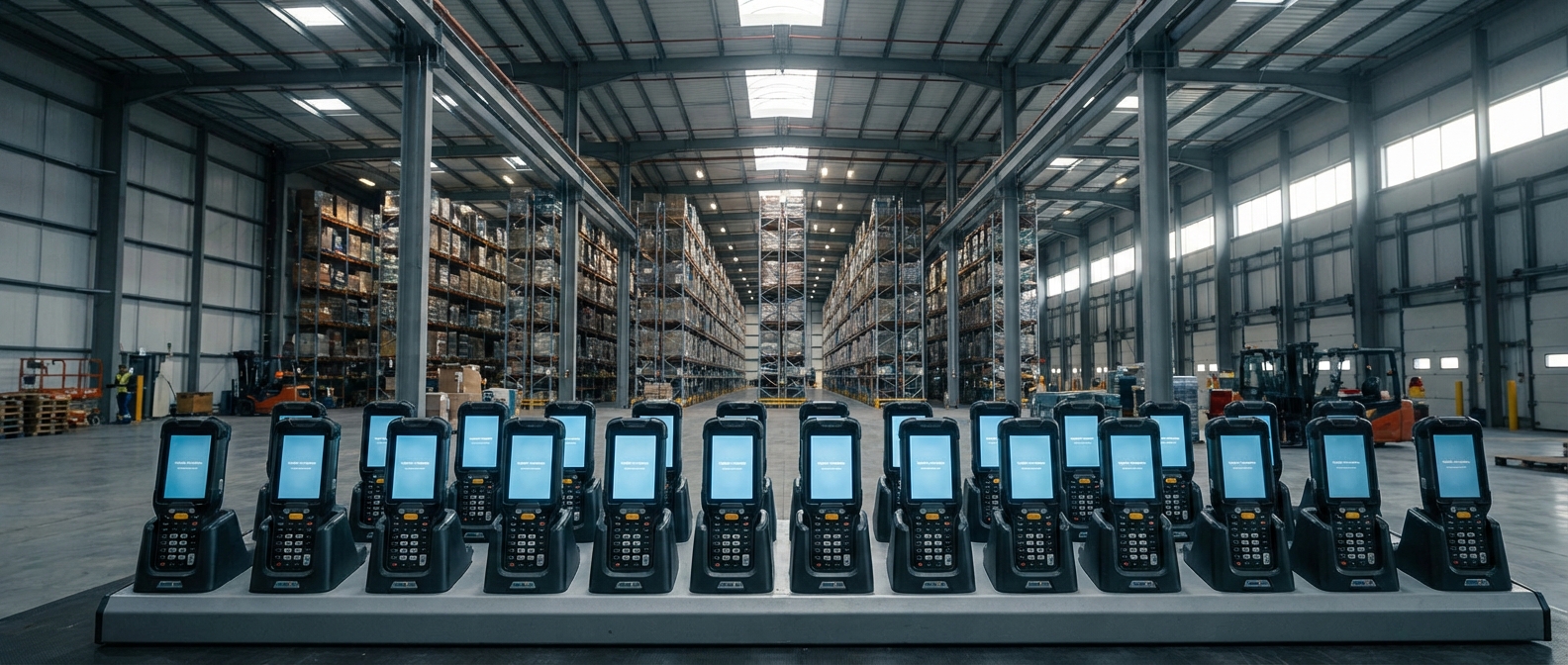
You often face massive geographic hurdles when trying to maintain devices in a large-span warehouse environment where workers are spread across multiple zones and floors. Remote management capabilities allow you to push critical updates and security patches to devices wherever they are located on the floor without requiring workers to return to a central office.
Here is the deal:
- You save hundreds of man-hours by avoiding “tech runs” across the facility.
- Centralized control allows you to monitor battery health and signal strength in real-time.
- Your workers stay productive because their tools are managed behind the scenes.
- Security patches can be deployed globally in a matter of minutes rather than weeks.
Creating Uniformity Across Diverse Hardware Fleets
Maintaining a consistent user experience is vital when you have a mixed fleet of tablets, scanners, and wearable computers that all need to access the same inventory system. You can use remote profiles to ensure that a scanner in one zone operates exactly like one in another, which greatly reduces the learning curve for your employees.
Maintaining Technical Consistency Across Sites
You can define a “Gold Image” or standard configuration that is automatically applied to every device that joins your industrial network from a remote site. This ensures that every worker has access to the exact same apps, settings, and communication tools they need to perform their jobs safely and accurately.
| Management Pillar | Operational Advantage | |
|---|---|---|
| Centralized Control | Eliminates the need for physical device handling | |
| Real-Time Visibility | Provides instant status updates on all active hardware |
Strategic analysis of facility workflows demonstrates that a centralized device management strategy reduces the time allocated to software rollouts by nearly 85%.
Key Takeaway: Adopting a unified approach to device management allows you to transform a chaotic hardware environment into a streamlined, high-performance ecosystem that scales with your needs.
How do warehouse mobile solutions automate remote configuration?
Warehouse mobile solutions use automated enrollment and over-the-air (OTA) updates to deploy hardware to the floor in minutes rather than hours or days. Automation is the key to removing human error from the initial setup and ongoing maintenance of your mobile fleet, especially in high-volume environments that require constant uptime. Using top-tier warehouse mobile solutions allows you to configure devices before they are even removed from their shipping boxes by using zero-touch enrollment services provided by major vendors. This rapid deployment capability is essential for businesses that need to scale operations instantly during peak seasonal demand or when opening new facilities in distant locations.
Utilizing Over-the-Air Update Technology
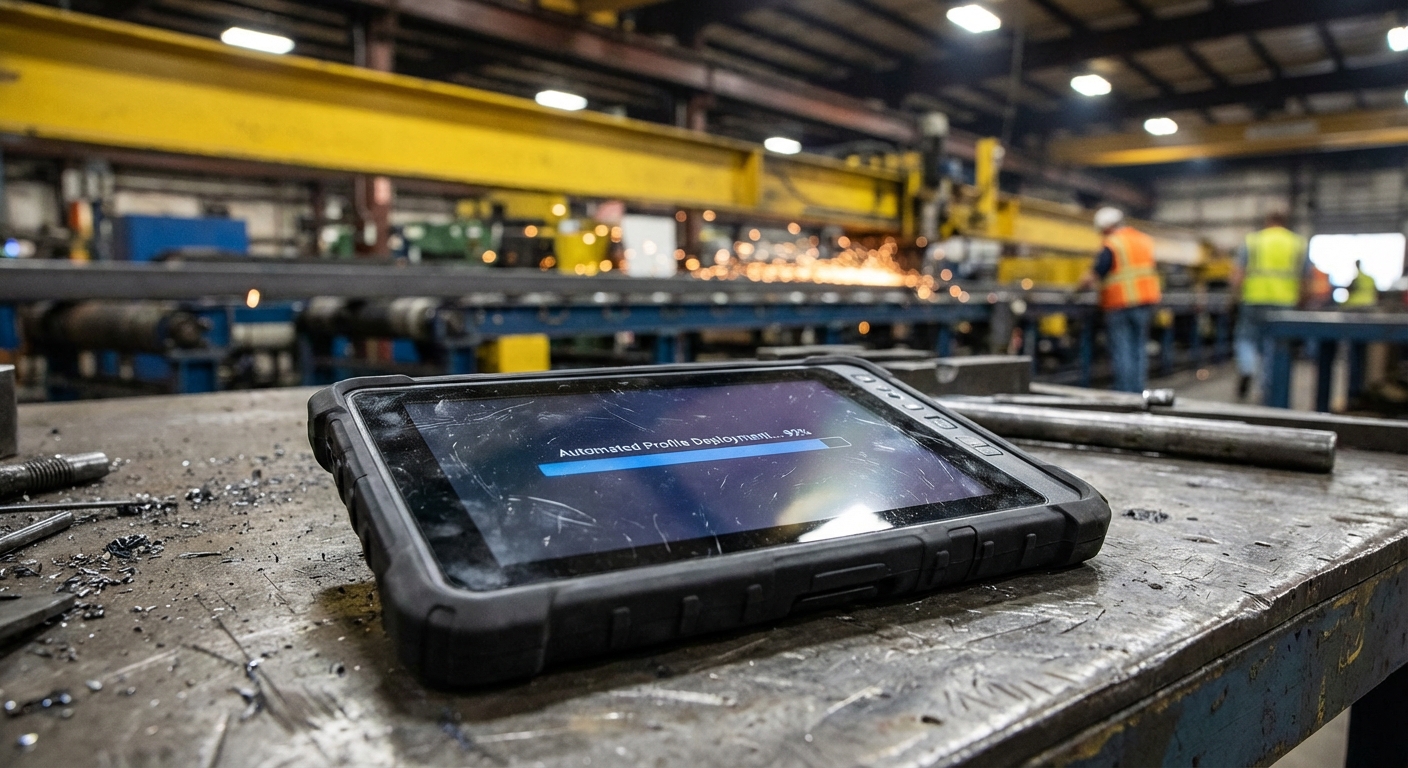
You can leverage OTA technology to push firmware and application updates silently to every device on your network simultaneously without user intervention or downtime. This ensures that your warehouse operations never face interruptions caused by mandatory “update required” prompts during busy picking hours or critical loading windows that demand full attention.
But wait, there is more:
- You can schedule updates for off-peak hours to minimize operational impact.
- Automated systems track the success of every deployment automatically for reporting.
- Your IT staff can focus on high-level strategy rather than individual device patching.
- Failures are identified instantly, allowing for rapid rollbacks and troubleshooting.
Implementing Zero-Touch Enrollment Processes
Zero-touch enrollment allows you to ship new hardware directly to a remote site and have it configure itself upon first power-up by the end-user without IT assistance. You simply define the required apps and settings in your central portal, and the device downloads everything it needs automatically as soon as it connects to the internet.
Accelerating Your Digital Transformation
You remove the need for an IT “staging room” where devices sit for days being manually configured by technicians before they are sent to the floor. This allows your team to manage larger fleets with fewer resources, significantly lowering your overhead while increasing the speed of your technological evolution and response times.
| Automation Feature | Impact on Deployment Speed | |
|---|---|---|
| Silent OTA | Zero downtime during critical operating windows | |
| Zero-Touch | Reduces deployment bottlenecks by over 90% |
The shift toward zero-touch enrollment is revolutionizing how industrial centers manage growth, allowing hardware to be floor-ready in record time without logistical friction.
Key Takeaway: Automation removes the friction from hardware life cycles, enabling you to deploy and maintain thousands of devices with the same effort it used to take to manage ten.
Which security features define top warehouse mobile solutions?
Security features in these systems protect your sensitive inventory data by establishing a digital perimeter around your mobile hardware and its network connections. Top warehouse mobile solutions provide the tools necessary to lock down devices, preventing unauthorized access to corporate data and mitigating the risk of malware or data theft. You can remotely manage security protocols to ensure that every device used in your facility adheres to strict corporate policies and international industry standards. This granular level of control is essential when your mobile tools are connected to a sensitive Warehouse Management System (WMS) that handles critical customer information and supply chain secrets.
Closing Potential Vulnerability Loopholes
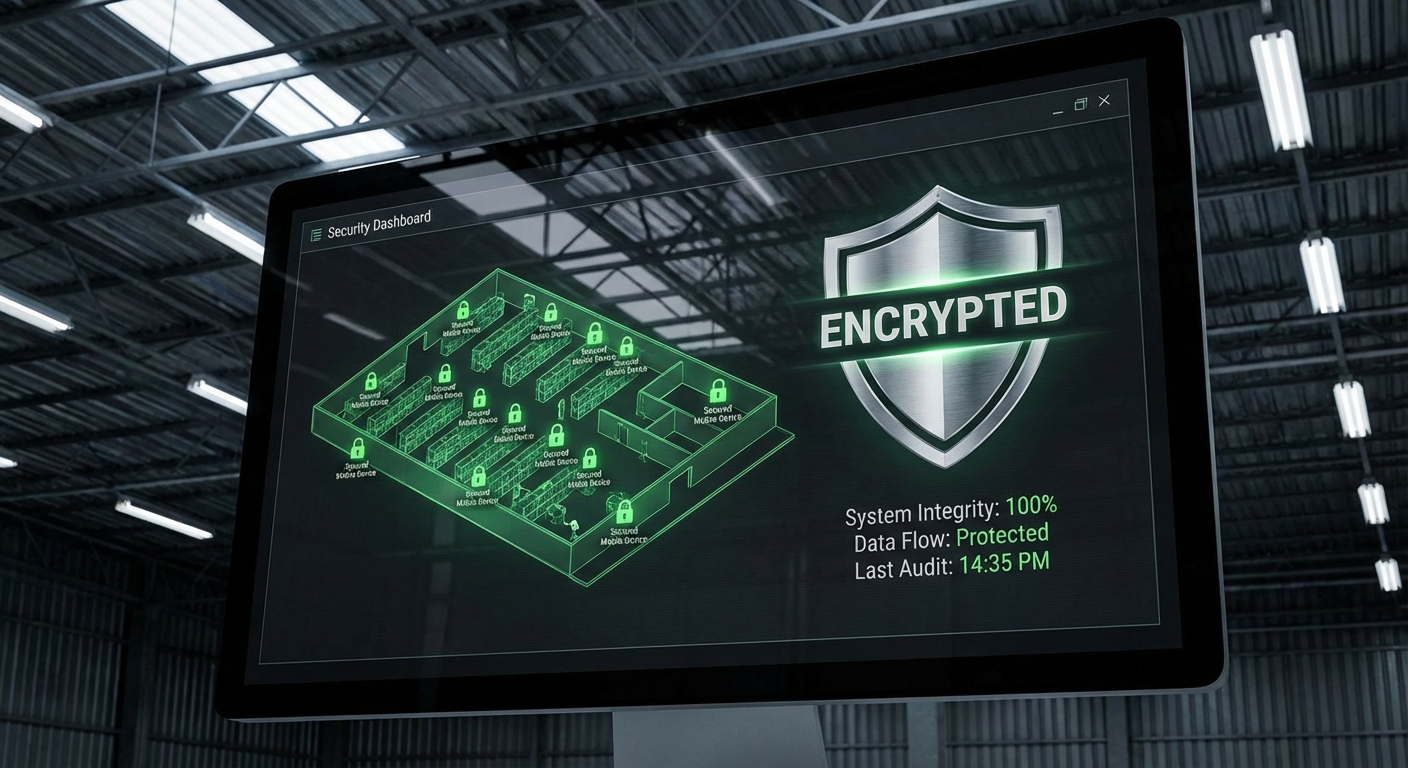
You can use remote management to disable high-risk hardware features like cameras, Bluetooth, or unapproved web browsers on corporate-liable devices to prevent distractions and data leaks. This “lock-down” approach ensures that your tablets and scanners are used exclusively for their intended industrial purposes, reducing the chance of accidental network exposure or human error.
The truth of the matter is:
- Restricting unapproved apps prevents malware from entering your secure network.
- You can enforce complex password policies and biometric locks remotely.
- Device “kiosking” keeps workers focused on mission-critical applications only.
- Automated audits identify any device that has been tampered with or “jailbroken.”
Managing Data Access and Extraction Points
Remote platforms allow you to deactivate SD card slots and USB ports to prevent physical data theft from your industrial facility by internal or external threats. You can also implement remote wipe commands that instantly erase sensitive data if a device is reported lost, stolen, or taken outside of the designated facility geofence.
Monitoring Physical Asset Security
You can establish virtual geofences that alert management if a device leaves a designated zone or the physical warehouse perimeter entirely without authorization. This level of oversight ensures that your high-value assets stay where they belong and that your corporate data remains within your physical control at all times.
| Security Layer | Operational Function | |
|---|---|---|
| Feature Lock-down | Prevents non-work distractions and cybersecurity risks | |
| Remote Wipe | Ensures data integrity even when hardware is compromised |
Data suggests that granular hardware control significantly reduces the risk of accidental data exposure in high-traffic distribution environments where security is paramount.
Key Takeaway: Robust security features transform standard consumer-grade hardware into specialized industrial tools that are inherently more resistant to both physical and digital threats.
Can warehouse mobile solutions optimize inventory management?
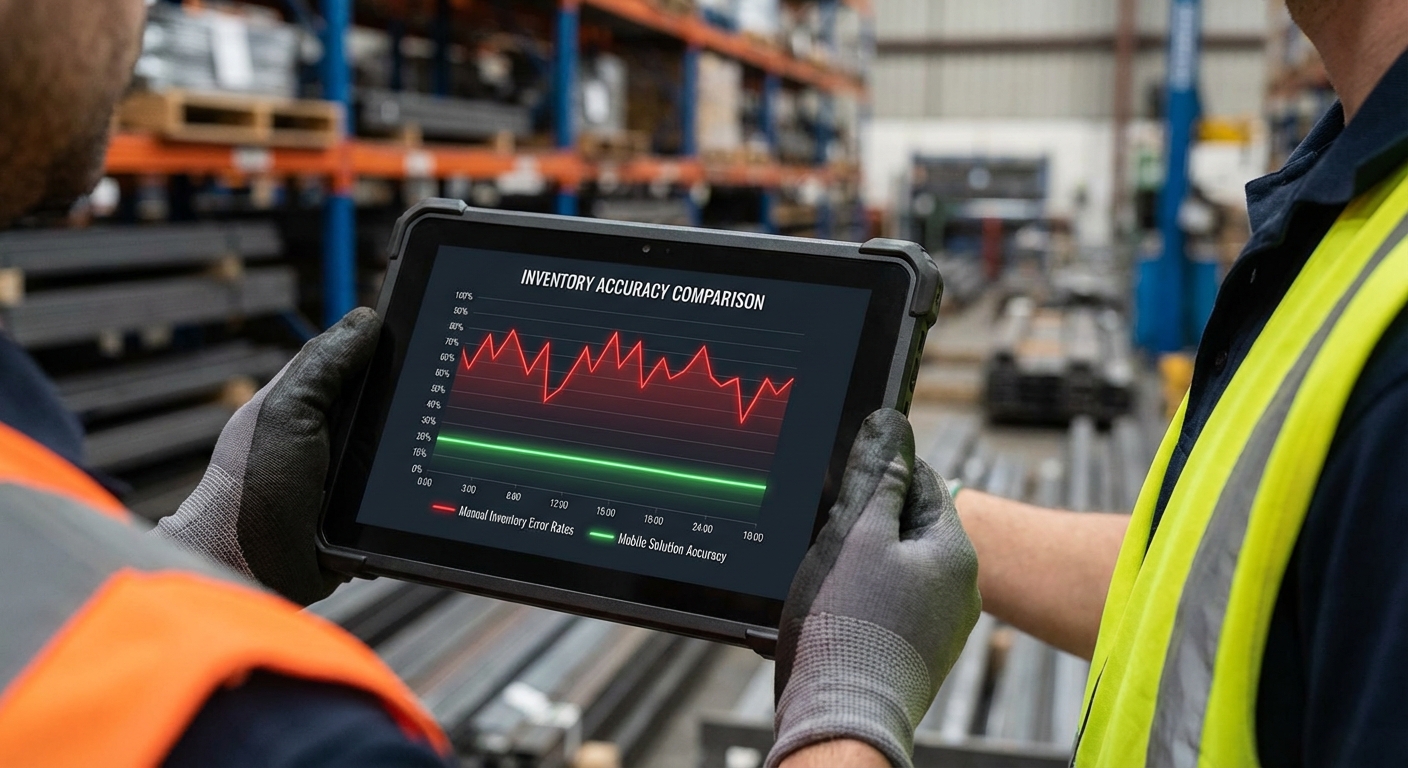
Warehouse mobile solutions optimize inventory management by ensuring the software used for tracking is always functional, updated, and connected to your central server. Inventory accuracy is the lifeblood of your logistics operation, and remote device management provides the technical stability required for real-time counts across large, multi-zone facilities. Integrating warehouse mobile solutions into your workflow ensures that barcode scanners and inventory apps are perfectly synchronized with your backend database at all times. You can eliminate the lag between a physical scan and a system update, providing a true “single source of truth” for your procurement and sales teams.
Fine-Tuning Barcode Scanning Performance
You have the power to remotely configure integrated scanners to recognize the specific 1D or 2D symbologies used in your unique steel structure environment for better recognition. This ensures that your workers achieve high first-time scan rates even when working with reflective or damaged labels, reducing the time spent on manual inventory corrections.
Here is the kicker:
- You can push scanner configuration profiles to thousands of devices instantly.
- Remote tuning allows you to adapt to new labeling standards without unboxing hardware.
- Your inventory accuracy increases as scanning becomes more reliable and faster.
- You can enable “pick-to-light” or other advanced guidance features remotely.
Maintaining Persistent Network Connectivity
Remote management tools allow you to prioritize the strongest available Wi-Fi or cellular signals for your mobile fleet as workers move between different zones. You can monitor connectivity dead zones within your steel building and adjust device settings or antenna sensitivities to ensure that data desynchronization never occurs during critical counts.
Driving Real-Time Inventory Visibility
You reduce the amount of “ghost inventory” that occurs when devices fail to sync properly with your central WMS due to software glitches or outdated configurations. By ensuring 100% uptime for your scanning hardware, you can fulfill orders faster and more accurately, directly impacting your customer satisfaction ratings and overall ROI.
| Inventory Factor | Digital Solution | |
|---|---|---|
| Scan Accuracy | Remote symbology configuration and sensitivity tuning | |
| Data Syncing | Optimized network handover protocols for seamless roaming |
By maintaining constant connectivity and software readiness, organizations can reach inventory accuracy levels that were previously unattainable with manual or unmanaged methods.
Key Takeaway: When your mobile hardware is managed as a cohesive system, your inventory data becomes more reliable, enabling faster decision-making across your entire supply chain.
How do warehouse mobile solutions reduce IT maintenance downtime?
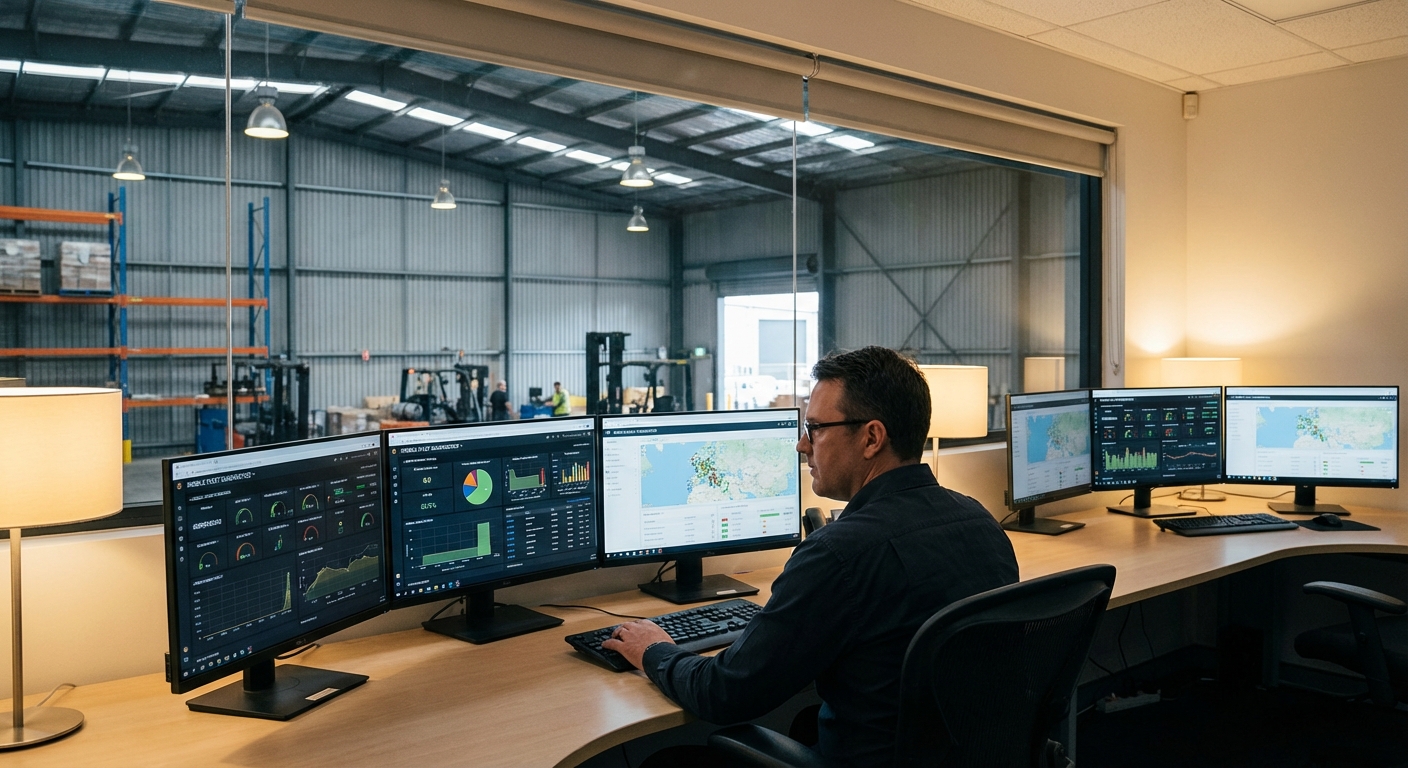
Warehouse mobile solutions reduce downtime by enabling proactive, centralized troubleshooting that bypasses the need for physical device inspections or travel between facility locations. Shifting from a reactive “fix it when it breaks” model to a proactive management strategy is vital for high-volume distribution centers that cannot afford any work stoppages. Utilizing warehouse mobile solutions allows your IT team to diagnose and resolve software issues remotely before they impact floor productivity during critical picking or shipping shifts. You can monitor the “health” of your entire fleet from a single screen, identifying aging batteries, failing apps, or memory leaks in real-time.
Solving User Issues with Remote Screen Control
You can provide instant support to workers on the warehouse floor by remotely viewing or controlling their device screens to diagnose software bugs or user errors. This capability allows you to walk a user through a complex app process or fix a configuration error without them leaving their workstation or shipping their device back to the main office.
Think about it:
- You eliminate the travel time associated with technicians visiting different sites.
- Remote diagnosis allows you to identify hardware failures faster and more accurately.
- Your workers feel supported, leading to higher morale and reduced tech frustration.
- Issues are resolved in minutes rather than hours or days of waiting.
Shifting to Predictive Hardware Replacement
Automated health monitoring allows you to track battery cycle counts and storage levels across your entire mobile fleet to identify hardware that is nearing its end of life. You can use this data to schedule hardware replacements proactively, ensuring that a device never fails during a critical shipping window or seasonal peak when you need full capacity.
Improving Overall Fleet Longevity
You can set up automated triggers that notify IT as soon as a device records a high temperature or a significant drop that might indicate internal damage. This allows you to pull a device for inspection before it fails completely on the floor, keeping your spare pool optimized and your floor workers consistently productive.
| Maintenance Mode | Impact on Operations | |
|---|---|---|
| Reactive Support | Leads to unpredictable downtime and lost productivity | |
| Proactive Management | Reduces hardware-related outages by up to 40% |
Proactive maintenance models are proven to lower the total cost of ownership by extending the useful life of mobile assets and minimizing expensive work stoppages.
Key Takeaway: Centralized maintenance transforms IT from a cost center into an efficiency driver, ensuring that your technology works as hard as your employees do.
Are warehouse mobile solutions compatible with rugged hardware?
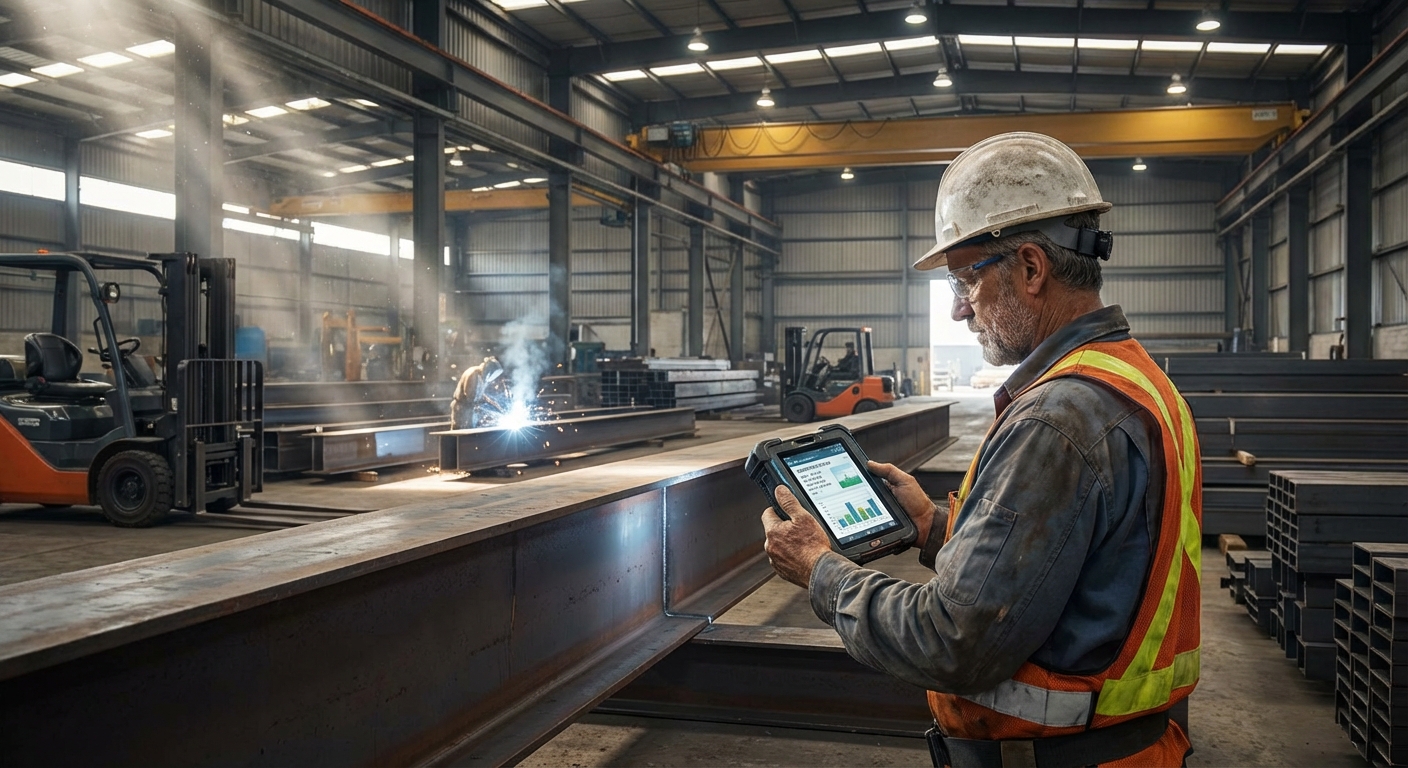
Warehouse mobile solutions are specifically designed to work with rugged hardware, allowing you to manage devices that withstand the harshest industrial environments imaginable. Industrial warehouses demand equipment that can survive frequent drops, dust ingress, and temperature extremes, and remote management ensures these investments are fully utilized and protected. Using high-quality warehouse mobile solutions allows you to push specialized profiles that optimize the performance of rugged tablets, handheld scanners, and vehicle-mounted computers across different environments. You can ensure that the physical durability of your hardware is matched by its digital reliability and administrative security across the entire industrial fleet.
Maximizing the ROI of Specialized Equipment
You can extend the lifespan of your expensive rugged devices by remotely monitoring thermal levels and optimizing battery charging patterns to prevent premature wear and failure. This proactive oversight ensures that your hardware remains functional for its entire projected lifecycle, saving you thousands in replacement costs over the life of the project or facility operation.
But wait, there is more:
- Remote management identifies physical sensor data that may signal a future failure.
- You can manage specialized accessories like vehicle docks and rugged cases centrally.
- Your investment is protected by constant software and security oversight.
- Ruggedized firmware can be pushed to improve scanner performance in low light.
Streamlining the Rugged User Interface
Rugged devices often feature specialized buttons and triggers that you can remotely map to specific functions within your warehouse management or communication apps. You can also place the device in a “Kiosk Mode” to ensure workers only see the tools they need for their specific job role, simplifying the user experience and reducing errors.
Adapting to Diverse Environmental Conditions
You can push different device settings based on the specific zone a device is operating in, such as increasing screen brightness or audio volume for noisy areas. This context-aware management ensures that your rugged hardware remains a valuable asset to the workforce, regardless of the environmental challenges they face.
| Hardware Type | Management Strategy | |
|---|---|---|
| Rugged Tablets | Remote sensor monitoring and thermal threshold alerts | |
| Handheld Scanners | Custom trigger mapping and symbology optimization |
Effective management of rugged assets ensures that the hardware remains an asset to the workforce rather than a source of technical frustration or failure in the field.
Key Takeaway: Remote management is the invisible layer that turns a durable piece of plastic and metal into a high-functioning tool capable of driving warehouse excellence.
How to implement warehouse mobile solutions for shipping accuracy?
Warehouse mobile solutions are implemented for shipping accuracy by pushing real-time manifest verification and digital proof-of-delivery tools directly to dock workers and drivers. Shipping is the most critical phase of the logistics journey, where a single error can lead to costly returns, delayed deliveries, and damaged customer relationships that take years to build. Warehouse mobile solutions allow you to automate the verification process, ensuring that the right pallet is loaded onto the right truck and arrives at the right destination without fail. You can use remote management to update shipping software instantly, keeping your entire team in sync with changing carrier requirements and international shipping standards at all times.
Integrating Digital Proof-of-Delivery Workflows
You can remotely deploy applications that capture digital signatures and high-resolution photos of outgoing shipments to verify their condition before they leave the loading dock. This creates an indisputable digital record of every transaction, protecting your business from false damage claims and missing-item disputes with carriers or final customers.
Here is the deal:
- You provide loading dock personnel with the tools they need for instant verification.
- Automated alerts notify workers if a shipping error is about to occur.
- Your shipping department becomes a data-driven hub of accuracy and speed.
- Photo documentation ensures you have visual proof of every outgoing pallet.
Real-Time manifest and Carrier Updates
Remote device management allows you to push the latest manifests and routing information to your fleet as soon as they are updated in your central database. You can ensure that your workers are always using the most current data, even in fast-paced cross-docking environments where priorities can change in minutes due to carrier arrival times.
Optimizing the Final Mile Experience
You can push real-time updates to your drivers’ tablets, providing them with traffic alerts or customer change orders while they are on the road for final delivery. This constant connection ensures that your shipping accuracy remains high from the warehouse dock all the way to the customer’s front door, reducing the risk of lost items.
| Shipping Phase | Mobile Solution Impact | |
|---|---|---|
| Loading Dock | Real-time manifest verification reduces mis-shipments by 25% | |
| Final Delivery | Standardized signature capture ensures proof-of-delivery |
Automating the verification step at the shipping dock is one of the fastest ways to improve customer satisfaction and reduce operational waste within your logistics network.
Key Takeaway: Shipping accuracy is not just about human effort; it is about providing your team with managed digital tools that act as a safety net for every transaction.
Can warehouse mobile solutions improve employee data accessibility?
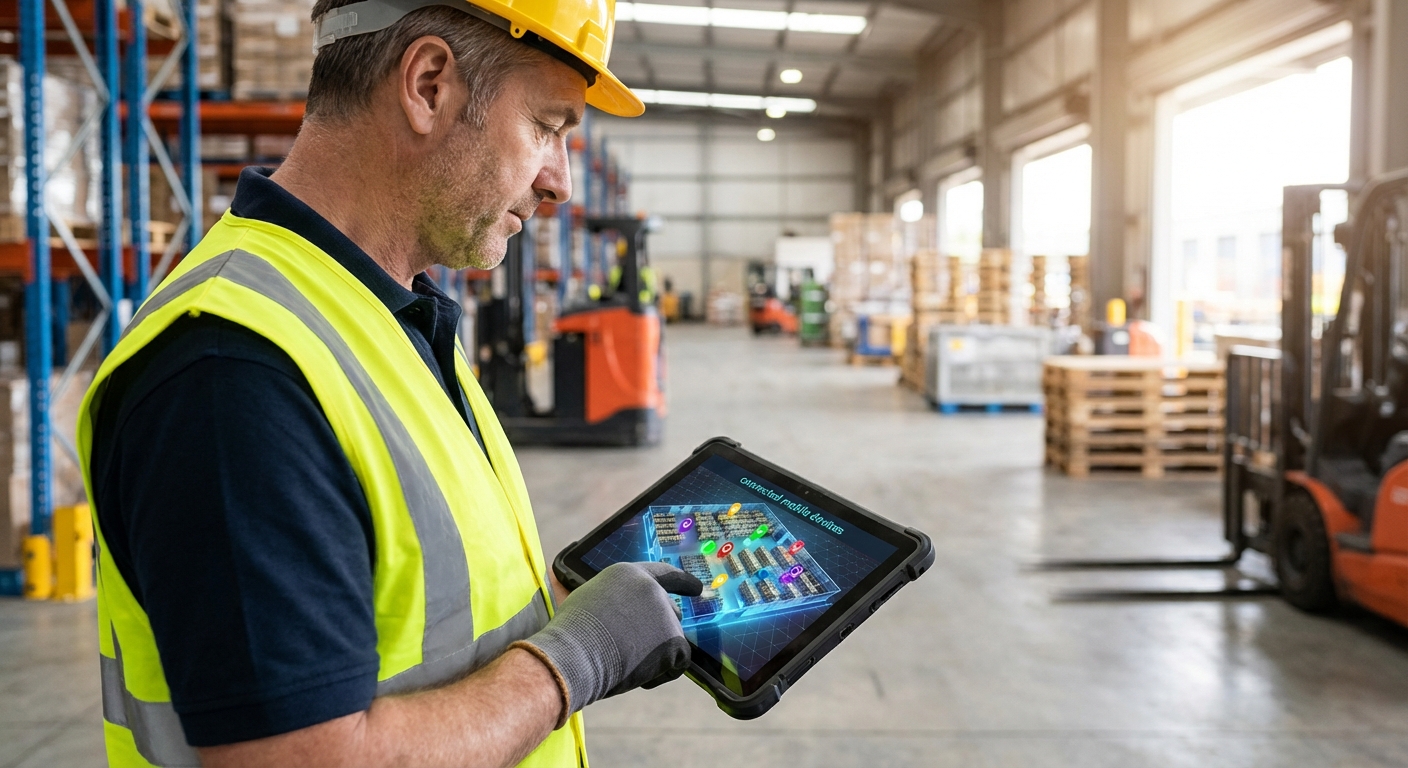
Warehouse mobile solutions improve accessibility by breaking the chains of desktop workstations and allowing employees to access critical data from anywhere on the floor. Empowering your workforce with information leads to faster decision-making, improved safety, and higher levels of overall productivity across all facility departments. Implementing warehouse mobile solutions allows your supervisors and floor workers to access ERP data, safety manuals, and equipment guides instantly without having to leave their stations. You can create a more agile and informed workforce by putting the right data in the right hands at the right time through specialized mobile profiles and shortcuts.
Unlocking Mobile Productivity for Supervisors
You can provide your floor managers with the ability to track real-time productivity metrics and warehouse heat maps while they are walking the facility and interacting with staff. This mobility allows them to address bottlenecks and safety concerns immediately, rather than waiting to check a desktop computer in a distant office or mezzanine far from the action.
Here is the kicker:
- Supervisors can reassign tasks on the fly based on real-time inventory levels.
- You can enable push-to-talk features for instant communication across the team.
- Your management team stays connected to the physical reality of the warehouse floor.
- Decision-making becomes faster as data is available in the moment of need.
Providing Safety and Equipment Guides Instantly
Remote device management allows you to place shortcuts for emergency contacts and equipment operating manuals directly on the home screen of every worker’s device based on their specific role. You can ensure that safety is always a priority by making critical information impossible to miss and updating it instantly whenever procedures change globally.
Streamlining On-the-Job Training and Onboarding
You can push training videos and onboarding materials directly to new hires’ tablets, allowing them to learn on the job in the actual environment where they will be working. This reduces training time and increases knowledge retention by providing context-sensitive information exactly when it is needed most during their first shifts.
| User Group | Accessibility Benefit | |
|---|---|---|
| Floor Workers | Instant access to SOPs and equipment safety manuals | |
| Logistics Admins | Real-time visibility into fleet location and performance |
Enhanced data accessibility fosters a culture of transparency and accountability, where every employee has the tools they need to succeed and stay safe at all times.
Key Takeaway: When you make data mobile, you empower your entire organization to move faster and work smarter, regardless of their physical location within the facility.
Why choose custom warehouse mobile solutions for scalability?
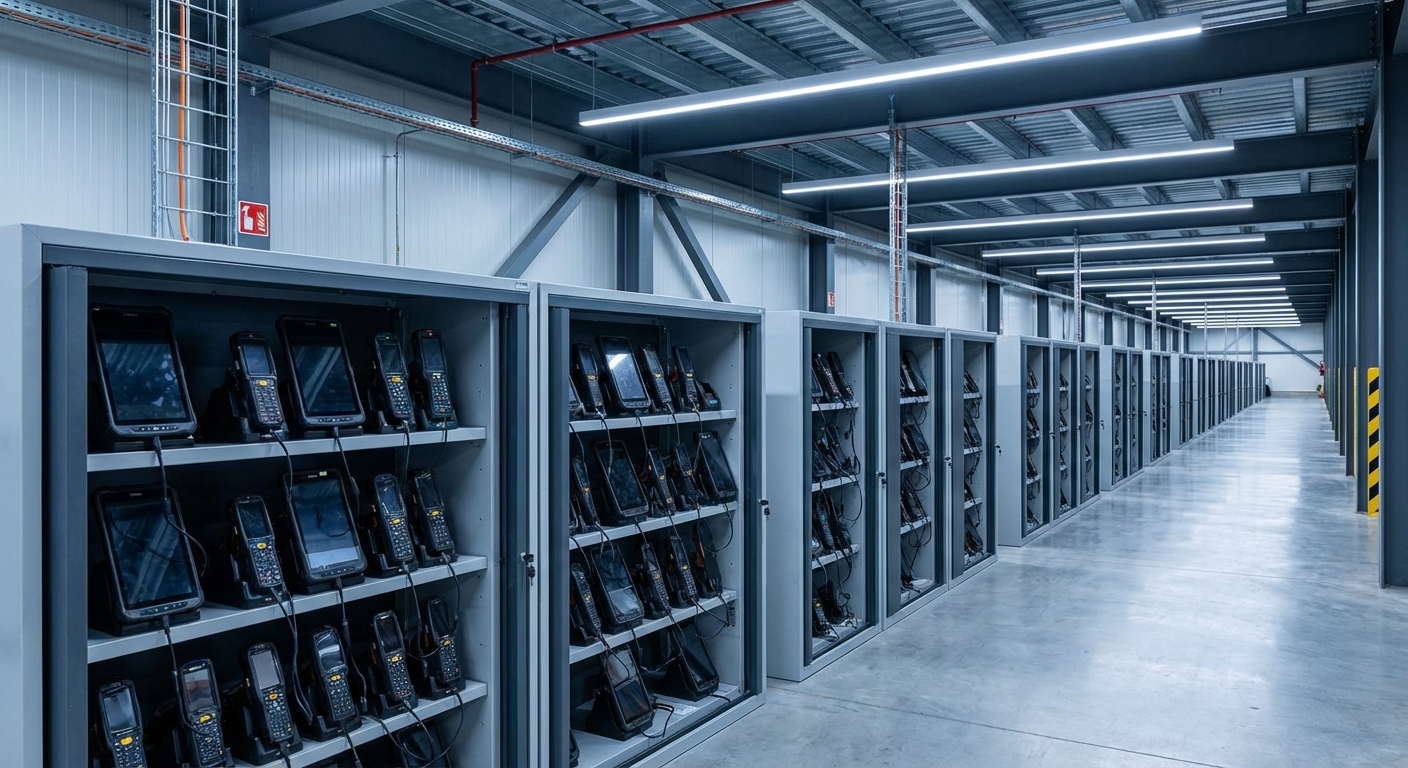
Custom warehouse mobile solutions are necessary for scalability because they can be tailored to the unique physical and digital requirements of your growing business over time. As your operations expand, your technology infrastructure must be able to grow alongside your physical steel building footprint without increasing management complexity or IT staffing needs. Warehouse mobile solutions allow you to start with a small fleet and scale to thousands of devices while maintaining the same streamlined administrative workflow and security standards. You can ensure that your technology investment today remains viable as you add new locations, international sites, and thousands of square feet of storage space annually.
Tailoring Technology to Steel Building Environments
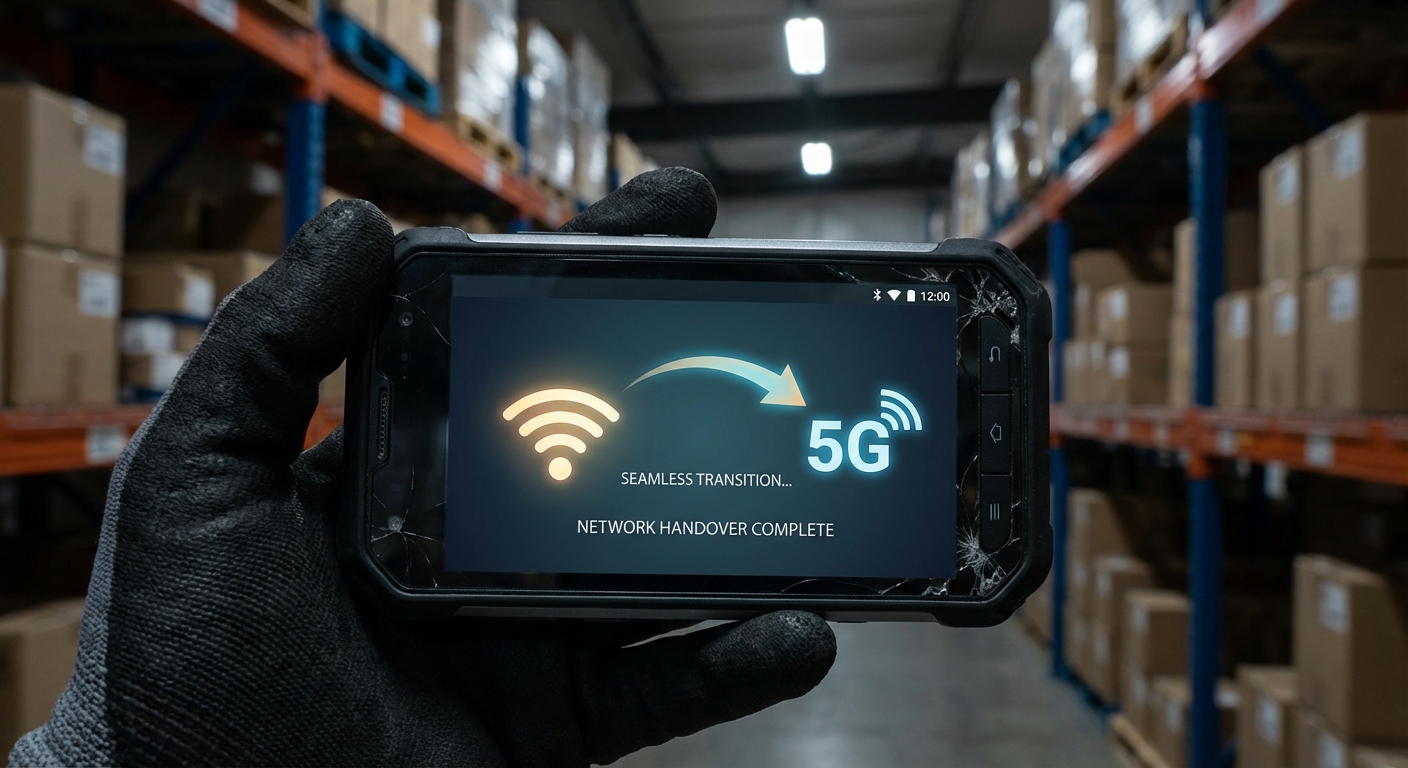
You often face unique connectivity challenges in large steel buildings, where dense structures and metal shelving can interfere with Wi-Fi and cellular signals from traditional consumer devices. Custom mobile solutions allow you to tune your device network settings and handover protocols to ensure reliable performance even in signal-challenged zones within your specific industrial facility.
But wait, there is more:
- You can adapt your management profiles to account for new hardware types easily.
- Custom solutions allow for deeper integration with your existing legacy systems.
- Your business can pivot quickly to new technologies as they become available.
- Local configurations can be set to manage different languages and time zones.
Ensuring Long-Term Administrative Efficiency
A scalable management platform allows you to apply “group policies” to hundreds of devices at once, ensuring that your IT staff isn’t overwhelmed as the fleet grows. You can maintain a lean IT department even while overseeing a massive, multi-national logistics network by leveraging automation and centralized reporting from one portal.
Reducing the Risks of Technical Obsolescence
You can ensure that your hardware remains functional for longer by pushing software updates that optimize performance for aging devices rather than forcing expensive upgrades. A custom approach to scalability means you only invest in new technology when it truly adds value to your unique operational workflow and goals.
| Growth Phase | Scalability Strategy | |
|---|---|---|
| Initial Launch | Focused deployment and core security profile setup | |
| Global Expansion | Automated enrollment and unified group policy management |
Strategic scalability ensures that your technology overhead doesn’t grow exponentially as your business success increases over time, keeping your margins healthy and operations lean.
Key Takeaway: Scalability is about future-proofing your business, ensuring that the digital tools you use today can handle the challenges of tomorrow without requiring a total system overhaul.
How will future warehouse mobile solutions impact logistics ROI?
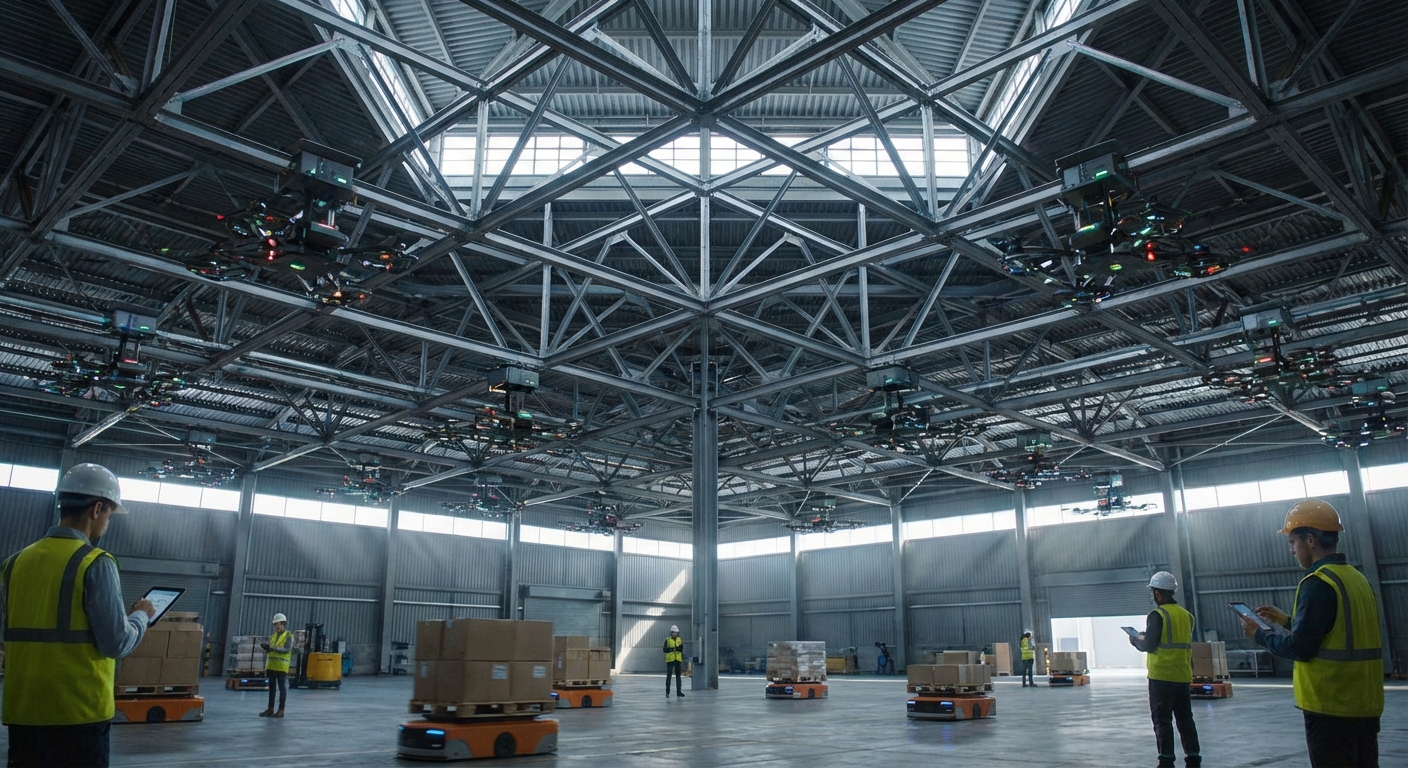
Future warehouse mobile solutions will drive logistics ROI by moving IT costs from capital expenses to operational efficiencies through high-level automation and predictive analytics. Investing in remote device management is a strategic move that pays dividends through reduced downtime, improved security, and enhanced worker productivity across the entire organization. Utilizing warehouse mobile solutions provides the foundation for the “Smart Warehouse” of the future, where every device is a data point contributing to the bottom line. You can expect a significant return on investment as your automated management systems eliminate the hidden costs of manual hardware maintenance and misplaced equipment in large facilities.
Shifting from Capex to Opex Models
You can leverage management platforms to move toward “Device as a Service” (DaaS) models, where hardware, software, and management are rolled into a predictable monthly cost. This shift allows you to maintain the latest technology without the massive upfront capital expenditures typically associated with large-scale fleet upgrades or technological pivots.
Here is the deal:
- You lower the total cost of ownership by extending hardware life cycles.
- Automated maintenance reduces the billable man-hours required for IT support.
- Your budget becomes more predictable, allowing for better long-term planning.
- Tax benefits often favor Opex-based models for industrial technology investments.
Enhancing Supply Chain Visibility
Managed mobile devices provide deep insights into worker workflows and inventory bottlenecks that were previously invisible to management teams using manual processes. You can use this data to optimize floor layouts, shipping schedules, and staffing levels, driving even higher levels of operational efficiency and long-term ROI across every department.
Preparing for the Next Wave of Innovation
You will soon see the integration of Augmented Reality (AR) and AI-driven guidance systems, all managed through the same remote portals you use today for scanners. By establishing a robust mobile management foundation now, you ensure your business is ready to capitalize on these innovations as they reach maturity in the competitive logistics sector.
| ROI Driver | Financial Impact | |
|---|---|---|
| Labor Efficiency | Reduced IT hours and faster floor worker productivity | |
| Asset Protection | Lower loss and theft rates due to remote monitoring |
The long-term value of a managed mobile environment lies in its ability to adapt and provide data-driven insights that drive continuous improvement and higher profitability.
Key Takeaway: Future-proofed mobile management is not just a technical luxury; it is a fundamental requirement for any logistics business aiming for sustained profitability in a digital world.
Frequently Asked Questions
- Can I lock warehouse devices to only one specific app?Yes, through “Kiosk Mode,” you can restrict devices so that workers can only access the Warehouse Management System, preventing distractions and improving security.
- What’s the best way to manage devices in dead zones?It depends on your network configuration, but most platforms allow for “offline” profiles that sync as soon as the device reconnects to a Wi-Fi or cellular network.
- How do I know if a device has been compromised?Yes, modern management dashboards provide real-time alerts if a device deviates from its security profile or attempts to access unauthorized networks.
- Can I update a thousand devices at once?Yes, over-the-air (OTA) technology allows you to push firmware and application updates to your entire fleet simultaneously from a single remote location.
- Can I track the physical location of my scanners?Yes, most warehouse mobile solutions include GPS or Wi-Fi triangulation features that allow you to locate misplaced or stolen hardware in real-time.
Conclusion
Remote device management is the essential foundation for any modern logistics operation that values speed, security, and scalability in its hardware fleet. By implementing robust warehouse mobile solutions, you eliminate the operational friction of manual maintenance and protect your facility from the hidden costs of downtime and data breaches that can cripple your reputation. Whether you are managing a single distribution center or a global network of industrial sites, centralizing your hardware control is the only way to ensure sustained excellence in an increasingly complex and competitive supply chain. We believe that your digital infrastructure should be as strong and reliable as the physical steel structures that house your inventory and operations.
Our vision for the industry involves a seamless integration of smart technology and durable structures, creating an ecosystem where data flows as freely as the goods on your floor. Ready to optimize your facility and lead the charge in digital logistics excellence? For expert guidance on integrating these technologies into your next project and securing your operational future, contact us today to discuss your industrial steel structure and mobile technology needs. Growing your business requires a partner who understands both the digital and physical challenges of the modern warehouse, and we are here to help you bridge that gap for long-term success.